How to play Star Raiders online
The original cartridge came boxed with the Video Touch Pad, a keypad controller that plugged into the right controller port, next to a normal joystick in the left port. The joystick parts of the game work with these keys:
- Fly the ship (climb, dive, turn): arrow keys
- Move the destination marker on the galaxy map: arrow keys
- Fire photon torpedoes: Space bar
- Start a new game: F12 (the console’s Reset switch)
- Choose the skill level: F11 (the console’s Select switch)
- Attack computer, manual (A) or automatic (B): F4 (left difficulty switch)
- Shields, manual (A) or automatic (B): F9 (right difficulty switch)
- Save and load your progress: Ctrl + 0–9 saves to a slot, Alt + 0–9 loads it
The touch pad itself had five commands: forward view, galactic map, hyperwarp, attack computer on/off and shields on/off. The last two only work with their difficulty switch on A; on B the computer handles them for you. Please note: the browser emulator on this site does not emulate the Video Touch Pad. You can fly and fire with the keys above, and setting both difficulty switches to B lets the computer handle the attack computer and shields, but switching to the galactic map and hyperwarping need the touch pad, so the full game cannot be played here.
Gameplay
Your mission is to wipe out the Krylon invaders. On the galactic map, a grid of sectors, move the red destination bar onto an enemy sector, hyperwarp there, then switch to the forward view and fight. There are three enemy types: fighters and cruisers go down with one hit, while basestars have shields and must be hit at close range.
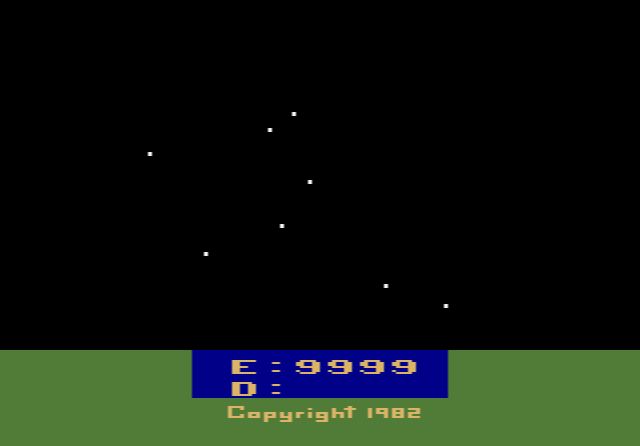
Everything costs energy: life support, engines, shields, the attack computer, every hit you take, and above all hyperwarp jumps, which cost 20 to 150 units depending on distance. The control panel shows damaged systems as yellow letters and destroyed ones as red. Your starbase recharges and repairs you, but it can only do so seven times, and the Krylons destroy it if they occupy its sector for 30 seconds.
The game ends in victory when every Krylon is destroyed. It ends in defeat if you run out of energy, including during a hyperwarp, or take a hit with your shields down. There is no running score. Instead you get a rank at the end, from Cook through Scout, Pilot, Ace, Eagle and Nova, each split into five classes. Energy left over raises your rank; every starbase visit lowers it.
Skill levels
There are four levels, numbered 10, 20, 30 and 40. The number is also how many enemy ships you must destroy. Higher levels bring more energy but heavier damage and more accurate enemy fire. On levels 30 and 40 the game no longer stops you from starting a hyperwarp you cannot afford.
Tips
- Jump short distances. Hyperwarp cost grows with distance, so hop to nearby enemy sectors rather than across the map.
- Protect your starbase. When enemies move next to it, go there first. Losing it means no more repairs.
- Don’t dock too often. Every visit lowers your final rank, so repair only when something important is damaged.
History
Neubauer was a hardware engineer at Atari and wrote the original Star Raiders in the quieter periods of his hardware design work. Carla Meninsky, one of only two women in Atari’s early cartridge design team, brought it to the 2600 in September 1982. The Video Touch Pad made the package more expensive than a normal cartridge, and Star Raiders turned out to be the only game that used it. The 2600 version was among the best-selling console games in autumn 1982, but reviewers found it a big step down from the computer original. Neubauer later made Solaris for the 2600, often seen as its real successor.