How to play Video Chess online
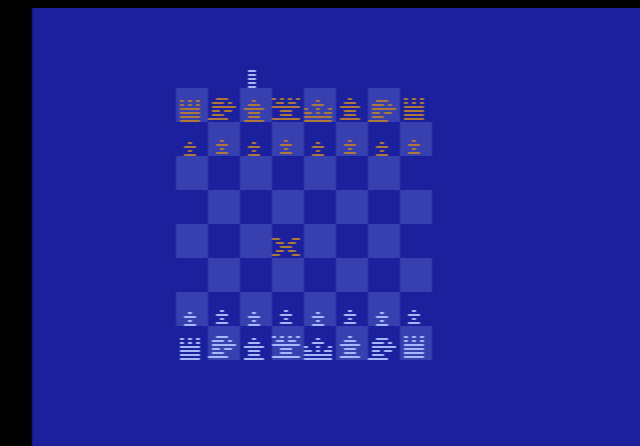
- Move the cursor (the flashing X): arrow keys
- Pick up a piece and put it down: move the cursor onto the piece, press Space, steer the flashing piece to its new square and press Space again
- Choose the skill level: F11 (the console’s Select switch)
- Start a new game: F12 (the console’s Reset switch)
- Board setup mode on or off: F4 (left difficulty switch)
- Who plays white: F9 (right difficulty switch)
- Save and load your position: Ctrl + 0–9 saves to a slot, Alt + 0–9 loads it
Gameplay
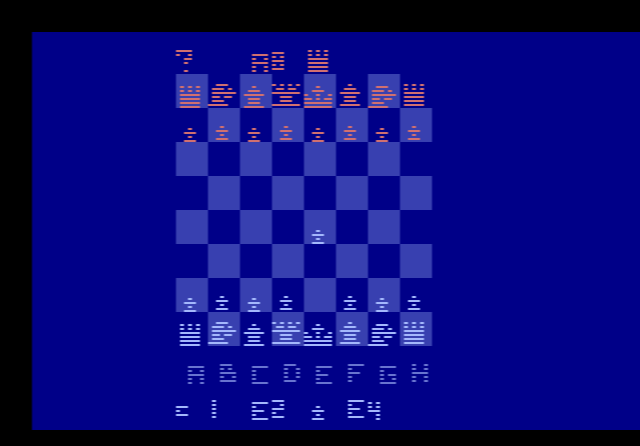
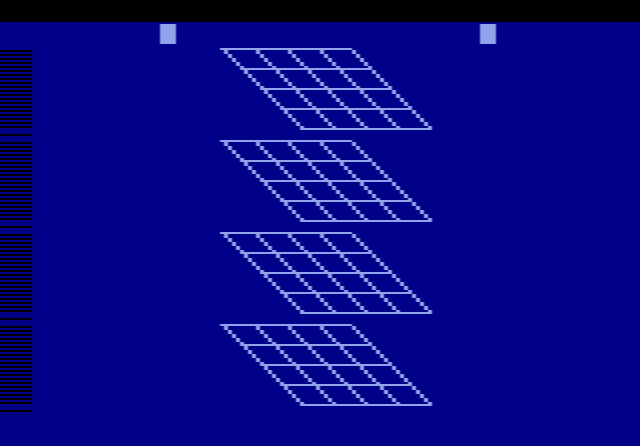
The board is shown from above, and you move pieces with the cursor instead of typing chess notation. If you try an illegal move, the game makes a warning sound and refuses it. To castle, move your king two squares towards the rook and the computer brings the rook around for you. A pawn that reaches the far side becomes a queen automatically. For a different piece, set the left switch to A and press the button.
There is no two-player mode. While the computer is thinking, the screen blanks and flashes through colours. This was deliberate: switching the display off frees the 2600’s processor, which normally spends most of its time drawing the picture, to work only on chess.
Skill levels and switches
The level you pick decides how long the computer thinks. The manual gives these average times per move, and notes that complicated positions can take longer:
| Level | Average thinking time |
|---|---|
| 8 (learning level) | 10 seconds |
| 1 | 15 seconds |
| 2 | 30 seconds |
| 3 | 45 seconds |
| 4 | 2 min 45 s |
| 5 | 3 min 15 s |
| 6 | 12 minutes |
| 7 | 10 hours |
The right difficulty switch decides who moves first: in position A the computer plays white, in position B you do. With the left switch in position A you can set up any position you like. Each press of the button on a square cycles through the pieces. Switch back to B to play from that position, which is handy for practising endgames.
Tips
- Start on level 8 or 1. They answer quickly, so you can play a whole game in one sitting and get used to the cursor controls.
- Save before a big decision. Save states let you try a risky line and go back if it fails.
- Be patient on levels 6 and 7. Keep the browser tab open while the computer thinks.
The story behind Video Chess
The original 1977 Atari VCS box showed a chess piece, even though no chess cartridge existed. The story goes that a customer sued Atari over the picture, and that this pushed the company to make a real chess game, although Whitehead later said he never knew of any lawsuit. Work began around 1978. Wagner wrote the chess logic with only 64 bytes of memory to work with, and described the result as a Class C program, roughly the level of an average tournament player.
Whitehead solved the display problem. The 2600 cannot normally show eight pieces side by side, so he drew them on alternating lines, four on one set of lines and four on the next. This became known as the “Venetian blinds” technique. The game fitted into a 4 KB cartridge at a time when most games used 2 KB. An earlier prototype, labelled Computer Chess, also survives. In 2025, Video Chess running on an emulator made headlines when it beat ChatGPT in a casual game.