How to play Vulture Attack online
- Bring your base onto the screen: up arrow
- Move left and right: left and right arrow keys
- Fire: Space bar
- Choose a game: F11 (the console’s Select switch)
- Base size (A = large, B = small): F4 and F9 (the difficulty switches)
- Start a new game: F12 (the console’s Reset switch)
Gameplay
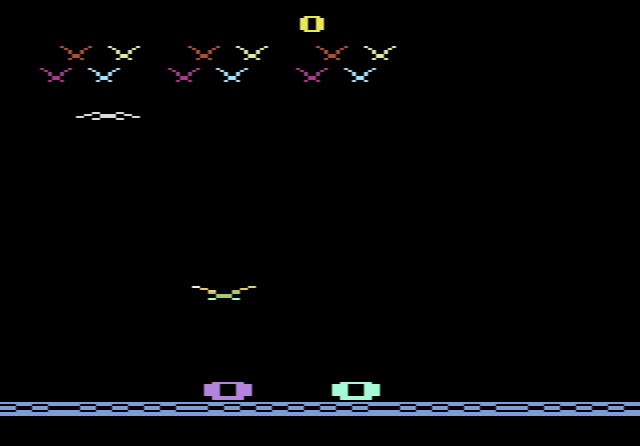
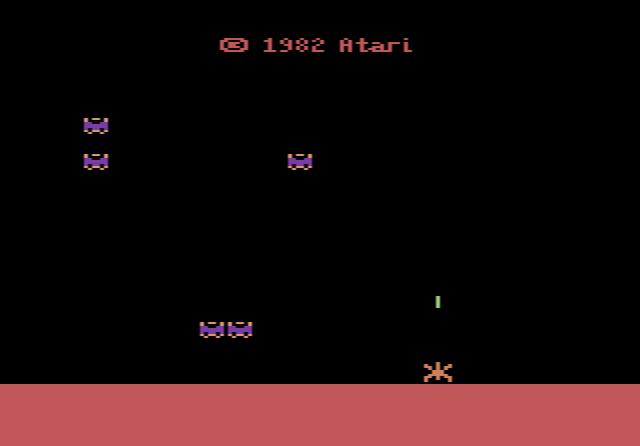
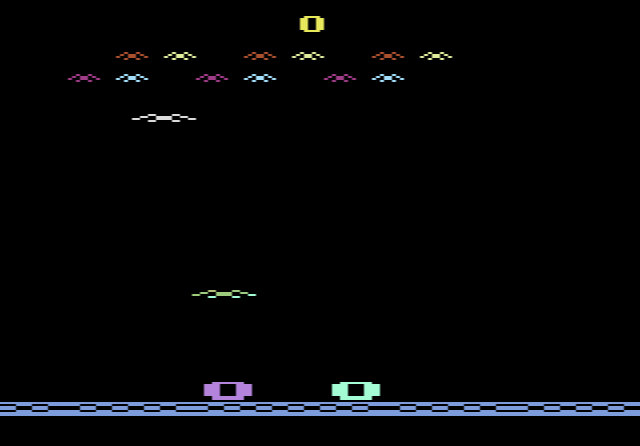
The rules are those of Condor Attack. Your firebase sits at the bottom of the screen, and the attackers get faster and change their flight patterns as you progress. The Condor Attack manual lists spiders and bats as other enemies you can choose with the Select switch. You have six bases and win another at every 1,000 points, up to nine extra. The small base (difficulty B) is the easier setting, because it is quicker to move out of the way of falling bombs.
One game, several labels
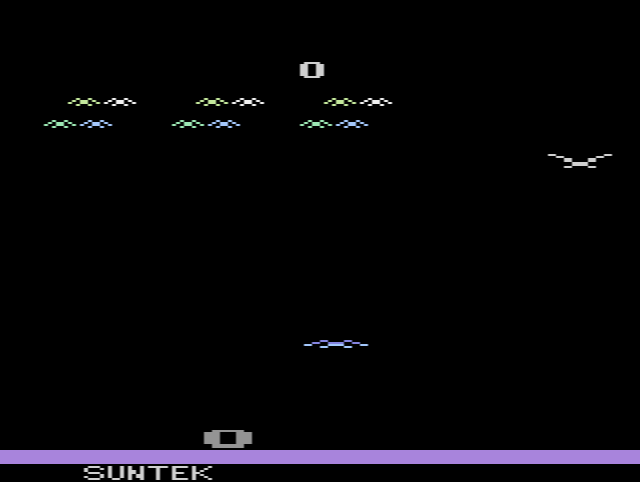
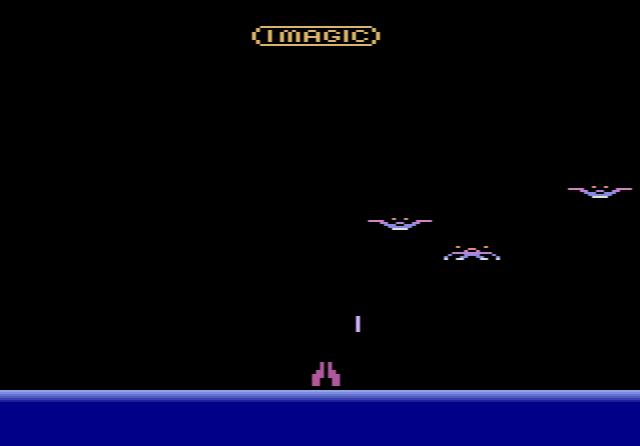
Condor Attack was sold under many names. On this site you can also play it as The Year 1999, Rainbow Vision’s PAL cartridge for Australia. There is physical proof that K-Tel and Ultravision shared stock: AtariMania records Vulture Attack cartridges with an Ultravision Condor Attack label still underneath the K-Tel Vision label.