How to play Dice Puzzle online
- Move the selector along the edge of the board: arrow keys
- Raise every die in the selected line by one: Space bar
- Scramble the dice and start a new puzzle: F12 (the console’s Reset switch)
- Save and load your progress: Ctrl + 0–9 saves to a slot, Alt + 0–9 loads it
Gameplay
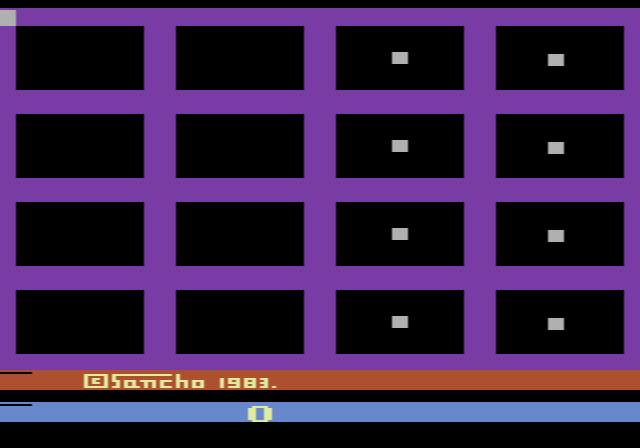
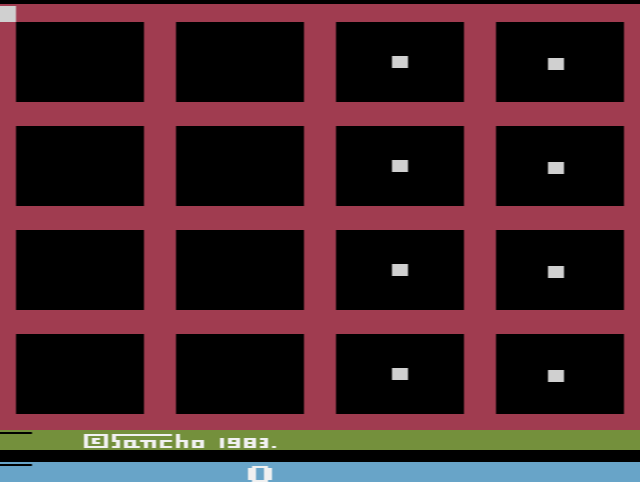
The playfield is a four-by-four grid of dice. Straight after switching on, all sixteen show a one. Press Reset and they jump to random values, and that is your puzzle. A small square runs around the outside of the grid, along the left edge and across the top. Wherever you park it, a press of the button adds one to every die in the row or column next to it. According to the manual, the diagonals can be changed in the same way.
Because each press changes a whole line, you can rarely fix one die without disturbing others, and that is where the thinking comes in. The clock is part of the challenge too: a warning sounds every five minutes, and you have one hour at most. When the last die turns to six, the game stops and shows your time and the number of moves you used, so you can try to beat both on the next puzzle.
Tips
- Look before you press. Moves are counted, so working out which lines need the most help is better than pressing and hoping.
- Find the line closest to finished. A row where most dice already show the same number can often be pushed up together.
- Use a save state to experiment. Save before trying a risky series of presses, and load again if it makes things worse.