How to play Fall Down online
- Move Player 1: left and right arrow keys
- Move Player 2: F and H
- Start a new game: F12 (the console’s Reset switch)
- Choose a game mode: F11 (the console’s Select switch)
- Save and load your progress: Ctrl + 0–9 saves to a slot, Alt + 0–9 loads it
Gameplay
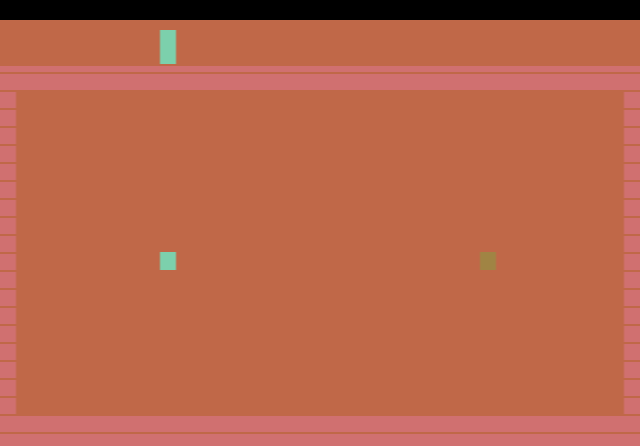
Platforms with gaps in them scroll steadily up the screen. You steer your character sideways to find a gap and fall through it. Whoever falls past a platform first captures it and scores a point. Power-ups appear on the platforms and can give you an edge, but grabbing them takes time. Linger too long and the scrolling carries you to the top of the screen, which kills you. The platforms also get faster as the game goes on, so the pressure keeps building.
The cartridge offers human-against-computer games (including an easier setting), a single-player mode and human-against-human games. Two extra twists are available in some modes: in “pass-by” games the players no longer bounce off each other, and in “invisibility” games the background colour changes so that one player is hidden.
Tips
- Look one platform ahead. As you fall, you should already be moving towards the next gap.
- Only chase nearby power-ups. A detour near the top of the screen is the quickest way to get caught by the scrolling.
- Mind the bump. In standard games the players bounce off each other, so a rival next to you can knock you away from a gap. Try pass-by mode if that frustrates you.
About the cartridge
Fall Down was one of the first homebrew games to support the AtariVox, a plug-in speech and memory module. With it, the game saves high scores and announces results out loud. Those AtariVox features may not be available in the browser emulator, but the game itself plays normally without them. Reviews collected on AtariAge were very positive.