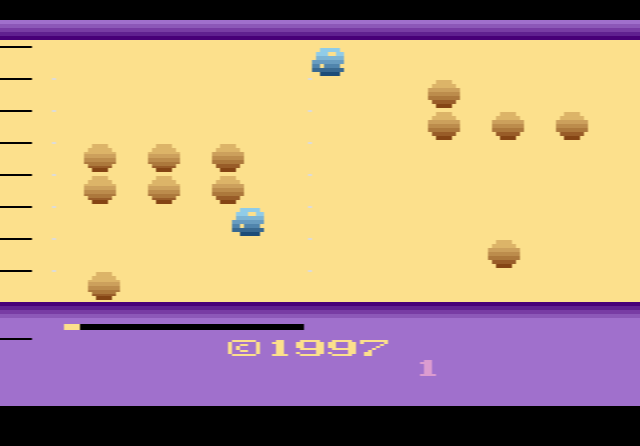
How to play Oystron online
- Move your ship: arrow keys
- Fire: Space bar
- Start a new game: F12 (the console’s Reset switch)
- Save and load your progress: Ctrl + 0–9 saves to a slot, Alt + 0–9 loads it
Gameplay
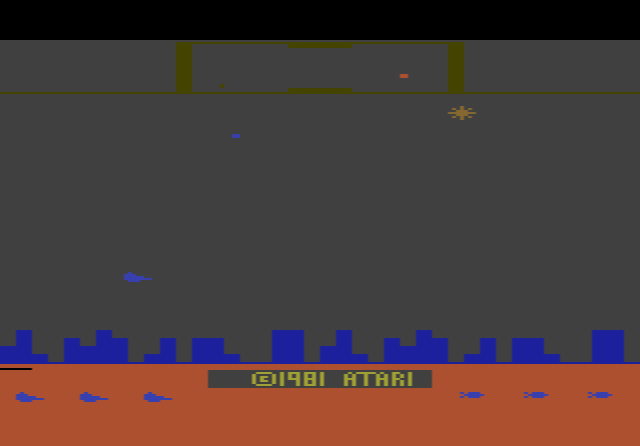
Your ship starts on the left side of the screen and the enemies come in from the right. When you shoot a space oyster, it leaves a pearl behind. Fly into the pearl to pick it up, then carry it back to the “pearl zone” along the left edge of the screen. Other enemies try to steal the pearls you have stored, so you are always switching between attacking and defending.
Every eight pearls you collect earn you a bomb. At the end of each level the boss, Oystron itself, appears. You can beat it by putting a bomb in its path, or by holding out until it turns back into an ordinary space oyster. After that comes a warp phase: your ship races along at high speed and you just have to avoid crashing into anything. You start with four ships and get an extra one every 4,000 points.
Tips
- Keep an eye on the pearl zone. The thieves go for your stored pearls. Pick them off before they reach the left edge.
- Save a bomb for the boss. A bomb is the direct way to beat Oystron. Without one, you have to survive until it changes back.
- Stay calm during the warp. There is nothing to collect in the warp phase, so focus only on dodging.
History
Oystron first came out as a free 4 KB program, meant for the Starpath Supercharger (an add-on that loaded games from cassette tape) and for emulators. It was later released on cartridge by XYPE, a group of 2600 homebrew developers. In 2003 Activision chose it as one of several homebrew games for the Game Boy Advance version of its Activision Anthology, and in 2005 Simon Carless’s book Gaming Hacks listed it among the five best 2600 homebrew games, praising its speed, sprites and colours.