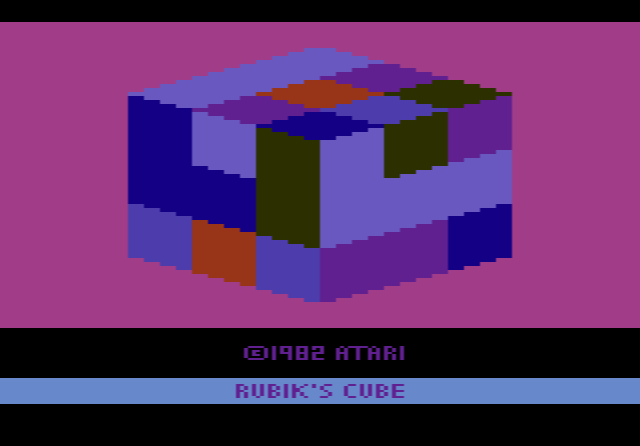
How to play Rubik’s Cube 3D online
- Turn the cube and its rows and columns: arrow keys and Space bar
- Game functions: F11 (the console’s Select switch) is used by the game itself
- Normal or cheat mode: F4 toggles the Player 1 (left) difficulty switch
- Start again: F12 (the console’s Reset switch)
There is no known manual for this prototype, so the exact controls are not documented; try the keys and switches to find out how it responds.
Gameplay
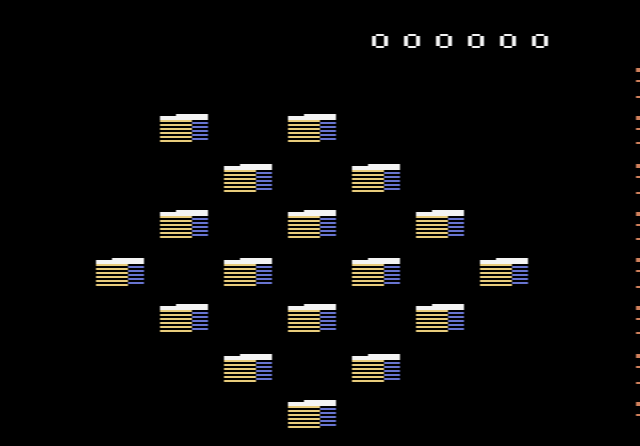
In normal mode you first rotate the whole cube in any of four directions until the face you want to work on is in view. Then you turn the individual slices, its rows and columns, until the colours line up. If you give up, the game can solve the cube for you, which is quite a feat for a console with 128 bytes of memory.
In cheat mode you can paint the squares any colour you like. That even lets you build a cube that could never be solved, with too many squares of one colour. It may have been a tool for testing rather than a feature meant for players.
Why it was never released
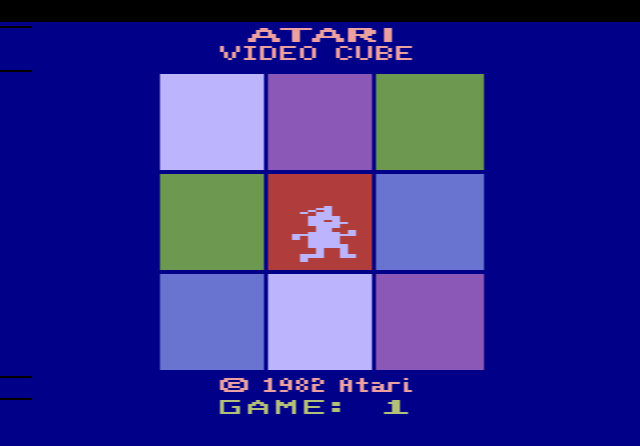
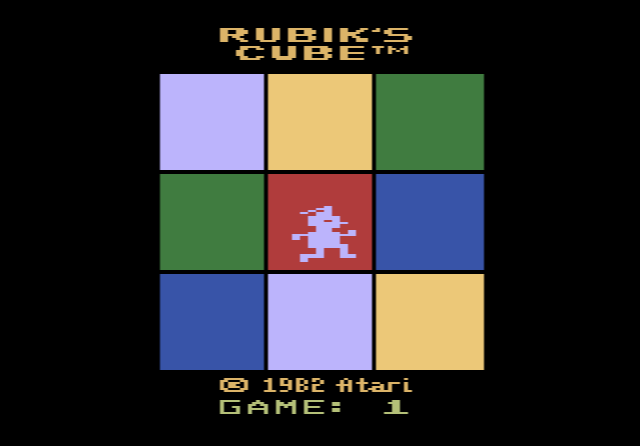
Peter Niday started at Atari as a game tester and was promoted to programmer. Before he could finish this game, he was moved to Sorcerer’s Apprentice. Atari thought the market had no room for two cube games and considered putting this one on the same cartridge as Atari Video Cube. The problem was how to let players choose between them: this game already used the Select switch, and a menu was not feasible. In the end marketing picked Video Cube alone, which was later sold again as the licensed Rubik’s Cube.