How to play Spiderdroid online
- Move along the girders: arrow keys
- Cast a magic spell: Space bar
- Start a new game: F12 (the console’s Reset switch)
- Five or six enemies: F4 (the difficulty switch)
- Save and load your progress: Ctrl + 0–9 saves to a slot, Alt + 0–9 loads it
Gameplay
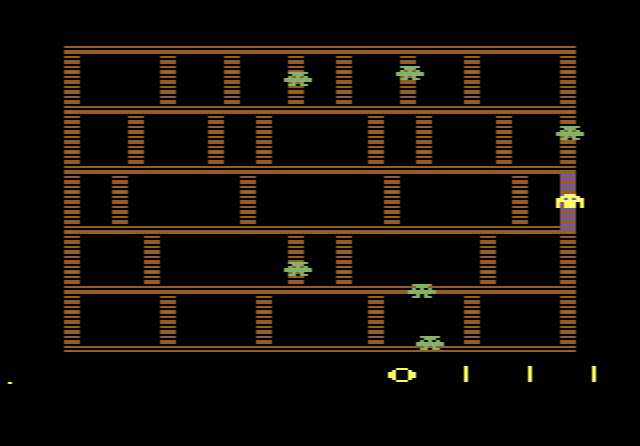
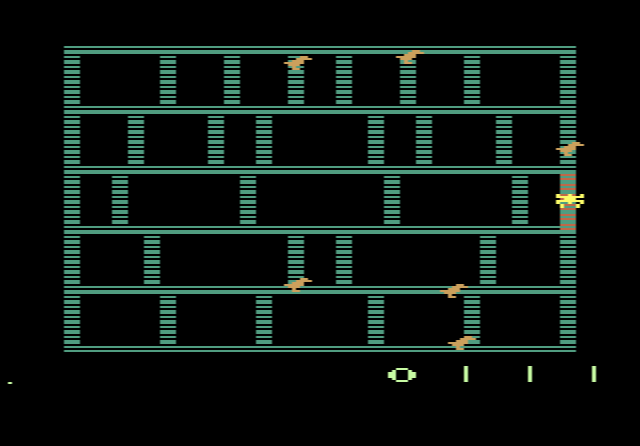
The screen shows the frame of a building as a grid of girders. You have to travel over all of them so that the whole structure ends up covered in your web. Every stretch of girder you cross scores points, and longer ones are worth more. You start with three Spiderdroids.
Birddroids patrol the grid and eat you if they catch you. Pressing the button casts a spell that makes them invisible and harmless for a few seconds, but each Spiderdroid can only do this four times. According to the manual, at 1200 points the birds panic and turn into “droidids”, which you can eat for extra points before they change back.
Once a building is fully webbed, you move on to the next one. There the roles change: you control a Mummydroid, and faster Skeledroids guard the building. The two pairs of characters take turns through 16 levels of increasing difficulty. With the difficulty switch in position A you face five Birddroids; in position B there are six, and they are faster.
Tips
- Save your spells. You only get four per droid, so keep them for moments when you are trapped between two enemies.
- Learn the enemy paths. As in Amidar, the enemies follow a fixed movement pattern, so watching them for a while shows you where it is safe to wait.
History
Froggo Games was set up in 1987, late in the 2600’s life, and did not last long. Most of its cartridges were copies of games other companies had released earlier. The original Amidar, with its gorilla and paint roller, is also on this site.