How to play Sweat! online
Sweat! uses two different controllers: paddles in the first port for the menus (and the Shot Put), and a joystick in the second port for the running events. The emulator starts in paddle mode for this game.
- Move through the menus: left and right arrow keys turn the paddle and move the highlight
- Choose a menu item or enter a letter of your name: Space bar
- Run: press Alt + L to switch to joystick mode, then tap F and H (the player 2 joystick’s left and right) one after the other
- Back to the menus: Alt + L again to return to paddle mode
What is in this prototype
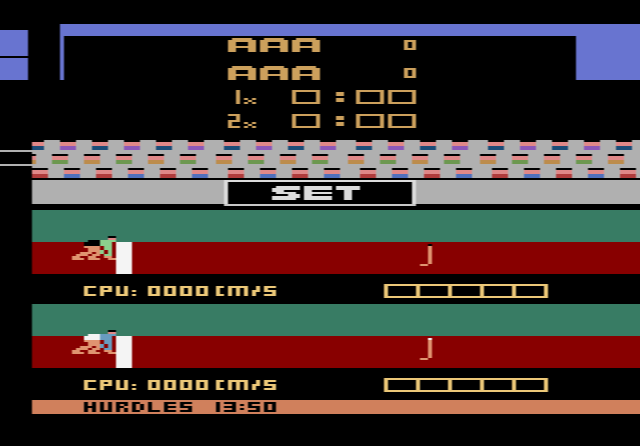
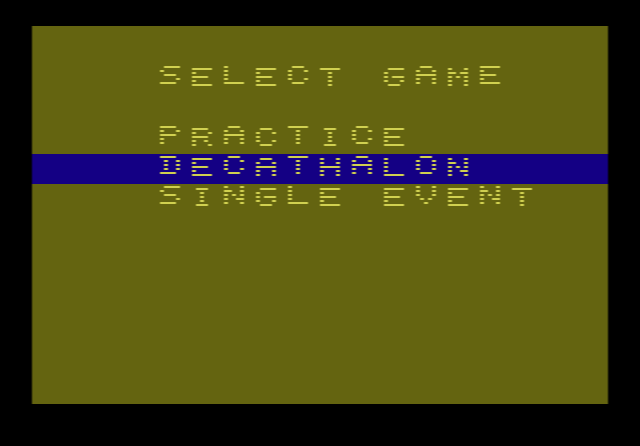
The game opens on a menu with three choices: Practice, Decathlon and Single Event. It then asks how many contestants are playing and lets each one enter a name, letter by letter. The event list shows all ten decathlon events, from the Hurdles to the 1500 meters, but most were never written. Pick one of those and the game politely asks, “Why not pick a different event”. In our test, the Hurdles worked: a starter’s “BANG!” sets off the clock, and the athlete runs past a stadium, green hills and snowy mountains that scroll at different speeds.
You run by rocking the joystick left and right. According to AtariProtos, waggling too fast makes the game miss your movements, so keep a steady rhythm.
The story behind Sweat!
Several prototypes are known. Between them they contain the Hurdles, the 100 and 400 meters and the Shot Put, where you set your power with the paddle and press the button to throw. A later version added a title screen with the Star-Spangled Banner and loaded each event from tape separately.
The game was never finished. The video game market was collapsing, and games that needed extra hardware were a hard sell. Starpath was bought by Epyx in 1984, and most of its programmers moved there. The idea of Sweat! became Epyx’s Summer Games for the Commodore 64, with Scott Nelson on the team, although he later said that little beyond the concept carried over.