How to play Garfield online
- Jump: Space bar. Garfield moves forward by jumping rather than by walking with the joystick.
- Joystick: arrow keys
- Start a new game: F12 (the console’s Reset switch)
- Save and load your progress: Ctrl + 0–9 saves to a slot, Alt + 0–9 loads it
Gameplay
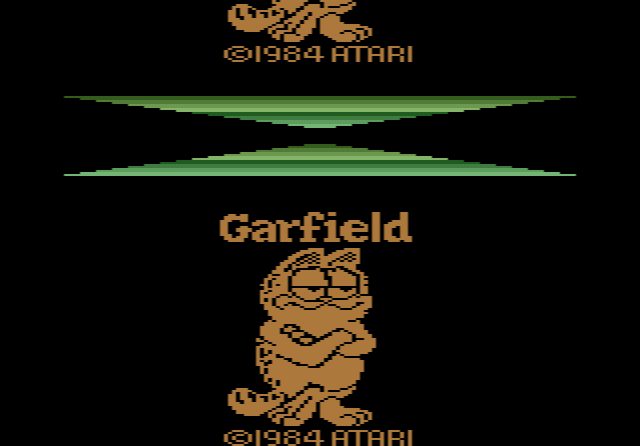
Garfield is on his way to his rival Nermal, and has to cross five screens to get there:
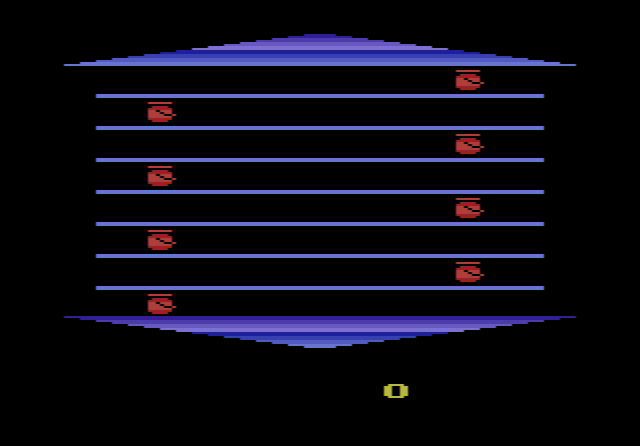
- The Burgers: hop from fence post to fence post, eating the burgers that fly back and forth.
- The Flowerpots: jump along the fence and duck when a flowerpot comes flying at you.
- The Roof: cross the rooftops, watching out for Odie, who hides in the chimney.
- The Odie Invasion: a strange screen where Garfield hops from one Odie to the next.
- Nermal: touch Nermal and you move on. The screens then repeat in a different order.
Why Garfield was never released
In 1984 Atari’s consumer division was sold to Jack Tramiel. The new owners did not want to pay the high royalties for the Garfield licence, and the game was dropped during the layoffs that followed. Woita has said the new management wanted staff to work on the operating system for the upcoming Atari ST computer; he asked to finish Garfield instead and was let go. He also said it still needed about two or three months of work. The plan was for the finished game to have hundreds of screens, which would have made it one of the largest 2600 games of its time.
The prototype was first shown at Classic Gaming Expo in 1999, and the ROM was released in December of that year. Woita has said Jim Davis gave him permission to share it. Before Garfield, Woita had programmed Quadrun, Taz and Asterix for Atari.