How to play Video Olympics online
Video Olympics was made for the Atari paddle controllers, dials you turn to move your bat. The emulator above switches to paddle mode automatically for this game.
- Move your paddle: arrow keys
- Serve and use special moves: Space bar (the paddle’s red button)
- Choose a game number (1–50): F11 (the console’s Select switch)
- Start the game: F12 (the console’s Reset switch)
- Full-size or half-size paddle: F4 (Player 1 difficulty) and F9 (Player 2 difficulty)
- Switch between paddle and joystick mode: Alt + L
Gameplay
Every game works the same way at heart: you move a paddle to hit a ball past your opponent and into their goal or off their side of the screen. The first player or team to reach 21 points wins. After a point, the serve is made with the red button, and you have to wait at least a second before serving.
The red button does more than serve. Depending on the game, it gives you one of four special moves:
- Speed-Up: press it as the ball meets your paddle to send it back faster.
- Whammy: press it at the moment of contact to hit the ball at a sharper angle.
- Catch: press it as the ball arrives and it sticks to your paddle, so you can carry it and aim. Move too quickly and you drop it.
- Jump: your paddle leaps from the bottom of the court to the middle, which is how you get up to the net in Volleyball or the hoop in Basketball.
The games on the cartridge
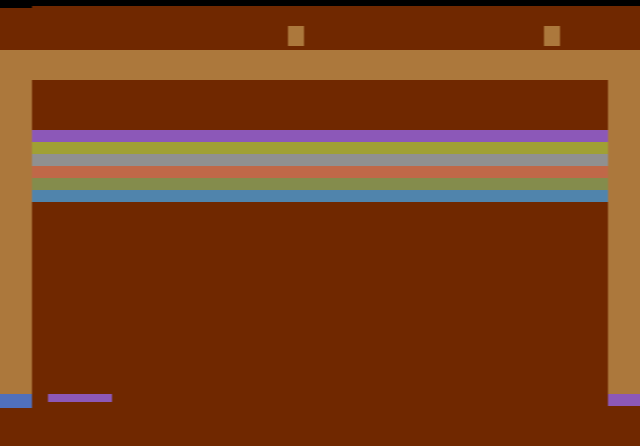
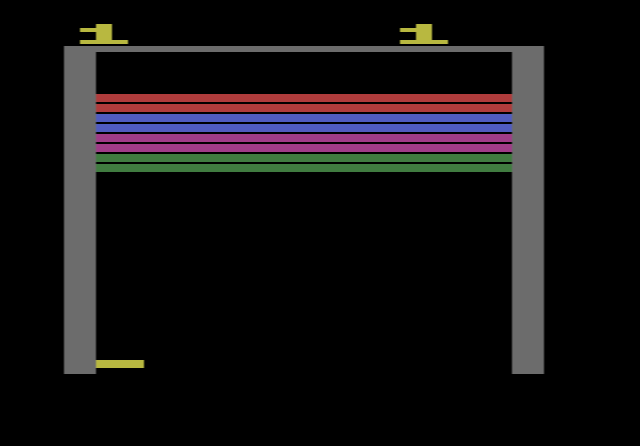
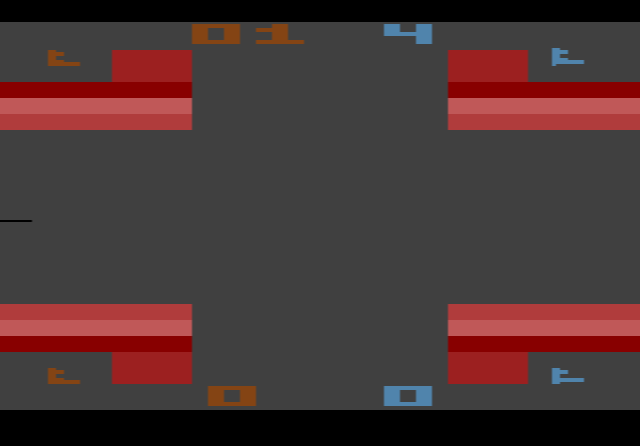
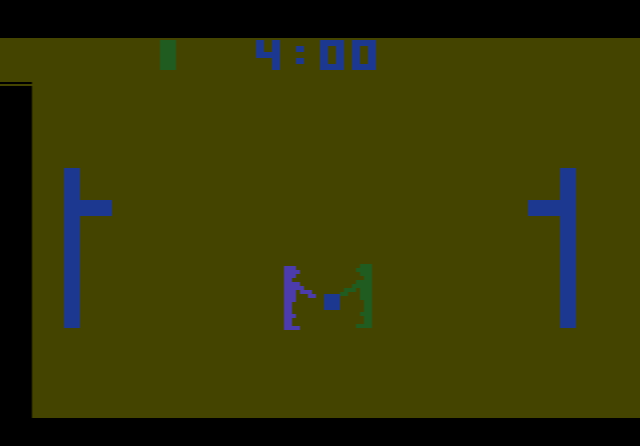
The 50 game numbers are grouped by sport, and within each group the variations change the number of players and which special move you get. Games 1 and 2 are Robot Pong, where you play alone against a computer-controlled paddle. The rest include two-player and four-player Pong, Super Pong with two paddles per player, Soccer, FoozPong (a table football idea with rows of paddles), three kinds of Hockey, Quadrapong with a goal on each side of the screen, Handball, where both players hit from the same side, Volleyball and Basketball. The four-player games need a second pair of paddles on a real console; in the browser, the one- and two-player games work best.
Tips
- Warm up with Robot Pong. Games 1 and 2 let you get used to the paddle keys without a second player.
- Time the button, not the paddle. Speed-Up and Whammy only work if you press at the exact moment the ball touches your paddle.
- Carry the ball slowly. In Catch games, small steady movements keep the ball on your paddle long enough to aim at an open part of the goal.
- Try the half-size paddle. Once the standard game feels easy, set the difficulty switch to A for a much tougher match.
History
Several of the games on the cartridge had earlier been released by Atari as arcade machines, and Video Olympics gathered them onto one cartridge for the new Video Computer System. Joe Decuir, who programmed it, had also worked on the 2600 hardware. A 1979 review in Video magazine scored the cartridge 8.5 out of 10, calling its games “old standbys” that were “still lots of fun”, and another review singled out Volleyball and Robot Pong as highlights. Atari released a similar collection for arcades, Tournament Table, in 1978.