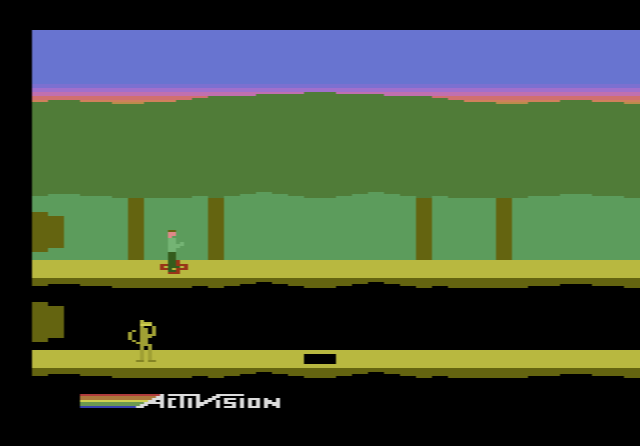
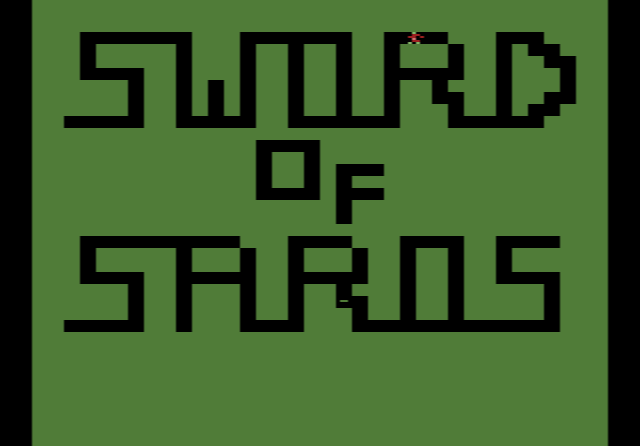
Every game on AtariOnline.org runs on Javatari, a free, open-source Atari 2600 emulator by Paulo Augusto Peccin. We did not write it. We use it, and this site would not exist in its current form without it. This article gives credit where it is due and explains, in plain terms, what happens inside Javatari when you press F12 on a game page.
Who made Javatari
Javatari is the work of Paulo Augusto Peccin. The emulator’s About screen says simply “Created by Paulo Augusto Peccin”, and the source code carries his copyright notice. He publishes the code on GitHub under the account ppeccin, and runs the emulator’s own site at javatari.org, where anyone can load a game and play. He also wrote WebMSX, a browser emulator for the MSX home computer that works in a similar way.
As the name suggests, Javatari began in Java. The original version, still on GitHub as ppeccin/javatari, is described as “a multiplayer Atari 2600 emulator written in pure Java using no libs”. Its release notes go up to version 4.1 and show how it grew: support for all the major cartridge formats in version 3.00, support for PC joysticks and gamepads in 3.10, built-in game information and automatic paddle detection in 3.12 and 3.20, and in 4.1 “Savestate Cartridges”, save states that could be passed around like ordinary game files. That version ran as a desktop program or as a Java applet inside a web page.
Java applets have since disappeared from web browsers, and Javatari moved to JavaScript. The JavaScript project, ppeccin/javatari.js, was set up on GitHub in February 2015, and its source files carry a 2015 copyright line. Version 5.0 added NetPlay!, which lets several people control the same virtual console over the internet. The latest release on GitHub is 5.0.4, from November 2022. The copy that runs on this site reports itself as version 5.0.3.
Both versions are released under the GNU Affero General Public License version 3 (AGPL-3.0), a free-software licence. Anyone can read the code, learn from it, and use or change it under the licence’s terms. The project’s README ends with a tribute: “Atari, VCS and the Atari logo are shown here as a tribute. All trademarks are property of their respective owners.”
A console and a room
The layout of Javatari’s source code is a good map of how it works. One part, called atari, is the console itself, with a folder for each piece of hardware: the processor, the TIA graphics and sound chip, the “PIA” (the RIOT chip that holds the RAM and reads the controllers), the cartridge, and the bus that connects them. A second part, called room, is everything around the console: the screen, the speaker, the controls, save states and NetPlay!. The idea is that the virtual Atari sits in a virtual living room, and the room connects it to your browser’s display, audio and keyboard.
This split explains a lot of what you see on the site. The console part knows nothing about keyboards or gamepads. It only sees joystick switches opening and closing, exactly as the real hardware did. The room part turns the arrow keys, the Space bar, a gamepad or a touch screen into those switch signals, and it turns the console’s video output into a picture in your browser window.
The processor
The Atari 2600 uses a MOS 6507, a cheaper version of the 6502 with fewer address pins but the same instructions inside. Javatari’s processor file is called M6502, and it works through the game code one instruction at a time, the way the real chip did. It includes the 6502’s decimal mode, which games used to keep scores as ordinary decimal digits. It also handles the chip’s undocumented instructions, down to the one that freezes the processor, so a program that relies on them behaves as it would on the real chip.
The picture and the sound
The TIA is where most of the work happens. The 2600 has no memory to hold a finished image, so the TIA produces the picture one scan line at a time, while the game’s code rushes to change its registers before the TV’s beam gets there. Javatari’s TIA code counts each line as 228 colour clocks, 68 of them in the horizontal blank at the edge of the screen. That leaves the 160 visible pixels a 2600 game can draw on each line. The emulator builds each frame this way and then scales it up to fit your screen.
Colours come from two built-in palettes, one for NTSC and one for PAL, because the same colour number looks different on the two TV systems. Sound is produced by an emulated version of the TIA’s two audio channels and played through the browser’s Web Audio API. That is also why a game page stays silent until you click it: browsers only let a page play sound after the visitor has interacted with it.
How Javatari recognises a cartridge
This is the part of Javatari that players never see, and it may be the most useful. A 2600 cartridge was not always a simple memory chip. Once games grew past 4 KB, companies used bank switching to swap sections of memory in and out, and nearly every publisher did it in its own way. Some cartridges also carried extra RAM or chips of their own. A ROM file does not say which method it uses, so the emulator has to work it out.
Javatari does this in two steps. First it calculates a fingerprint of the file, an MD5 hash, and looks it up in a built-in database. The database in the site’s copy has about 3,200 known ROM images, and it is dated March 2017. The Java version’s release notes say this built-in game information was based on Rom Hunter’s collection, a well-known catalogue of 2600 ROM images. An entry gives the game’s name and can add a few hints:
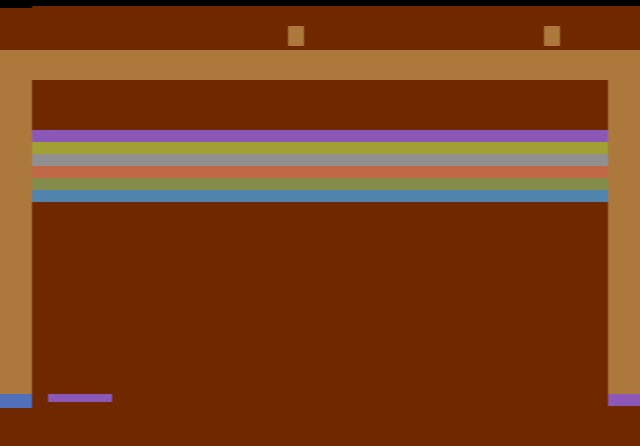
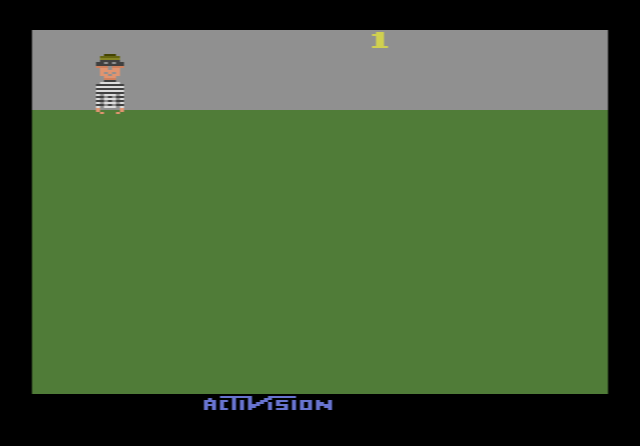
- Paddles. About 130 entries are flagged as paddle games. When you open Breakout or Kaboom!, this flag is what switches the emulator to paddle mode without you doing anything.
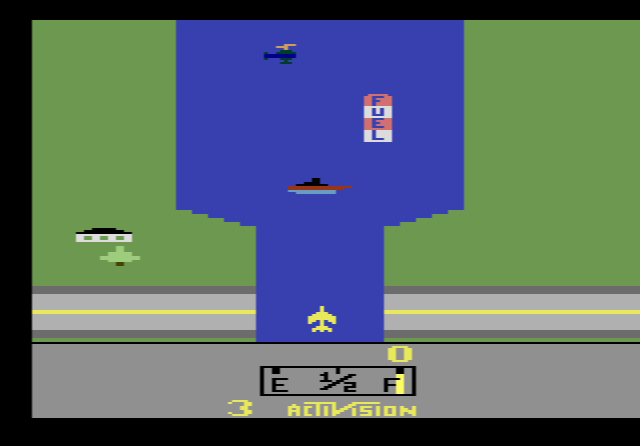
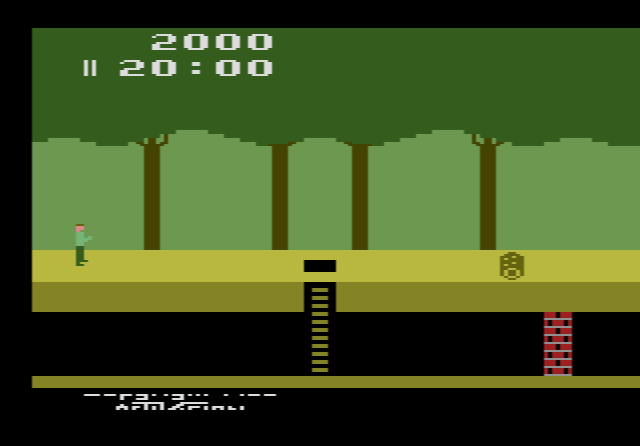
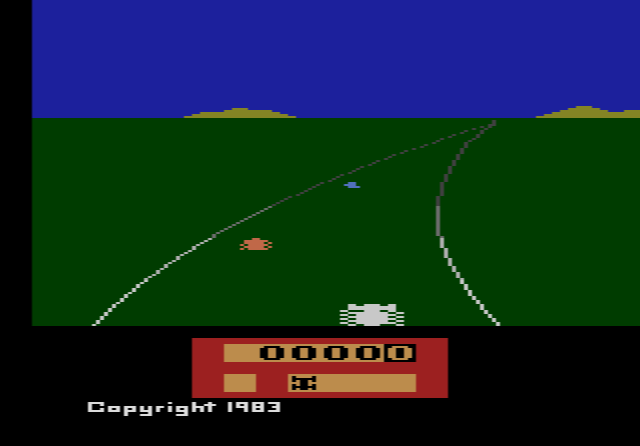
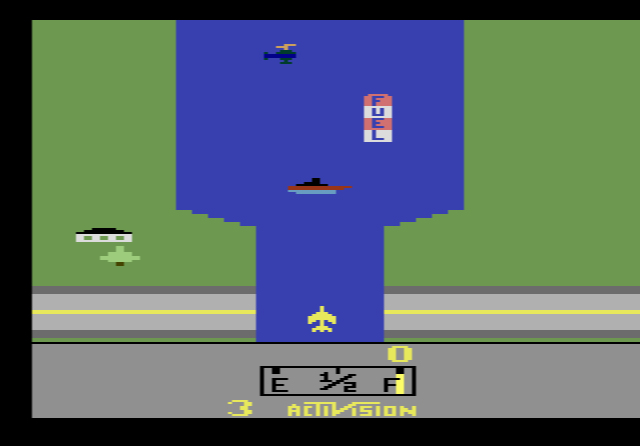
- The cartridge label. Javatari can show a small cartridge in its console panel, and for some games the database stores the label text and colours. Pitfall!, River Raid and Enduro are among the games with their own label entries.
- A display hint. Several hundred entries carry a flag for Javatari’s optional CRT mode, a phosphor effect that imitates the glow of an old TV screen. Versions of Asteroids are among them.
If a file is not in the database, Javatari looks for hints in the file name, such as the word “paddles” or a format code in brackets. Then it checks the file’s size against every cartridge format it knows and picks the most likely one by priority. The code lists more than twenty formats, and the descriptions it gives them read like a short history of the 2600 business:
- F8, F6 and F4: Atari’s own 8K, 16K and 32K schemes.
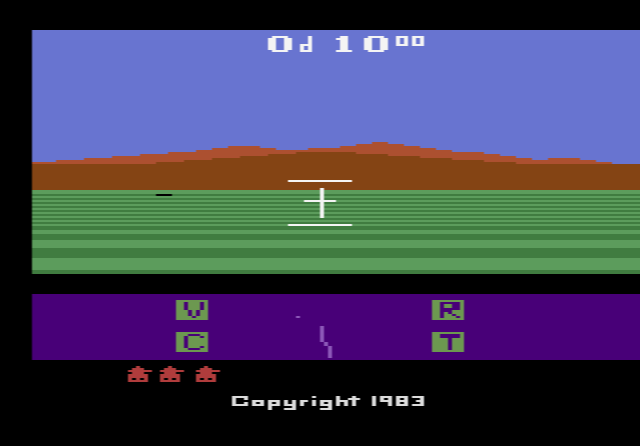
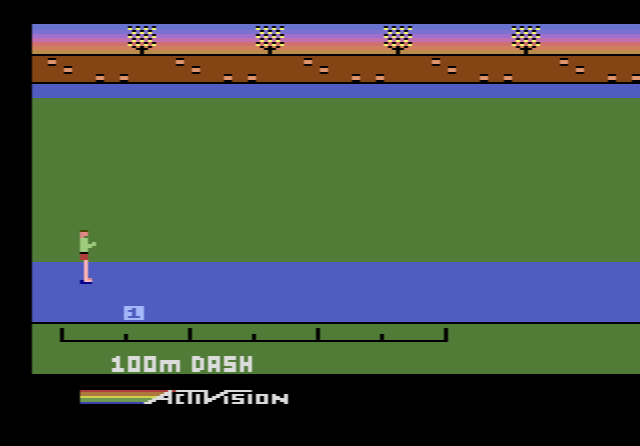
- FE: labelled “8K Robotank/Decathlon”, the method Activision used for Robot Tank and The Activision Decathlon.
- E0: “8K Parker Bros.”, and E7: “16K M-Network”, each publisher’s own design.
- FA: “12K CBS RAM Plus”, CBS Electronics’ cartridges with extra memory on board.
- DPC: “10K DPC Pitfall 2”, the custom chip David Crane designed for Pitfall II: Lost Caverns, which helped with the graphics and made four-voice music possible.
- AR: “8K-64K Arcadia/Supercharger”, for Starpath’s cassette-loaded games such as Sword of Saros.
- F0: “64K Dynacom Megaboy”, named after Dynacom’s educational cartridge Megaboy.
- X07: “64K AtariAge”, a newer format from the homebrew scene.
Getting this step wrong is the usual reason a game shows garbage or a black screen in an emulator. On this site, a game’s page only needs to name the file. Javatari does the rest.
What the site uses, and what it leaves out
Javatari is built to be embedded in other web pages. Its README explains that a page only has to load the emulator script and set one parameter, the address of the game file. That is exactly what each game page here does. Everything else runs on Javatari’s default settings: the console switches itself on after a short delay, detects the TV standard and controllers, and shows its control bar under the screen.
The same features that the README lists are behind most of what you can do on the site. Customisable keys and gamepads, touch controls on phones, save states, pause and frame-by-frame advance, adjustable speed, screenshots and full screen all come from Javatari, not from us. Some of Javatari’s features are not used here. On javatari.org you can load your own files by drag and drop or from cloud storage, install the emulator as a web app that works offline, and use NetPlay! to play with a friend on another computer.
Javatari also has limits, and it is better to say so. It emulates joysticks and two paddles, but not the keypad controllers or the driving controller. Star Raiders, which needs its Video Touch Pad keypad, is only partly playable, and Warlords, designed for four players with paddles, can only be played by two people here.
Javatari and Stella
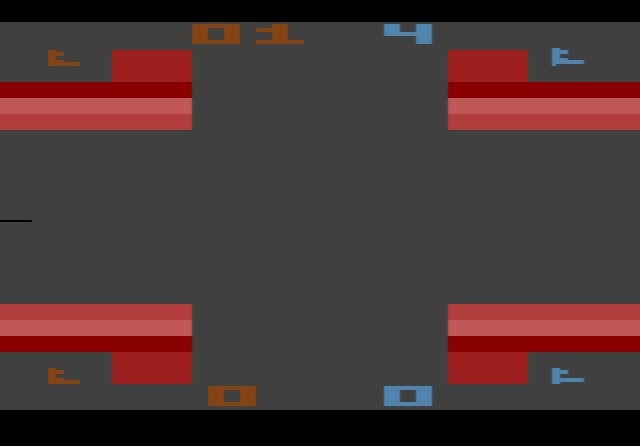
If you play 2600 games on a computer, you may also know Stella. It is the oldest and best-known 2600 emulator, first released by Bradford W. Mott in 1996, now maintained by Stephen Anthony and written in C++ for Windows, macOS and Linux. The two projects do different jobs. Stella is a desktop program you install, while Javatari is designed to run in a browser and to be dropped into a web page. For a site like this one, where a game should start the moment the page opens, on any device, that design is what counts.
Thank you, Paulo
Writing an emulator that runs hundreds of games correctly, from Atari’s 2 KB launch cartridges to 64K cartridges with their own bank-switching tricks, is years of careful work, and Paulo Augusto Peccin gave it away as open source. If you enjoy the games here, the credit for the emulator belongs to him. You can visit javatari.org to try his own version, read the code on GitHub, or report a problem with the emulator itself there. For problems with a specific game page on this site, use our contact form. Then press F12 on Space Invaders and watch a 1980 cartridge run on a 2015 JavaScript program.