How to play Basic Math online
- Count a digit up (0 to 9) or down (9 to 0): up and down arrow keys
- Move the answer line to another digit: left and right arrow keys
- Enter your answer: Space bar
- Choose one of the eight games: F11 (the console’s Select switch)
- Start: F12 (the console’s Reset switch)
- Timer on or off: F9 (right difficulty switch)
- Longer or shorter time limit: F4 (left difficulty switch)
How it works
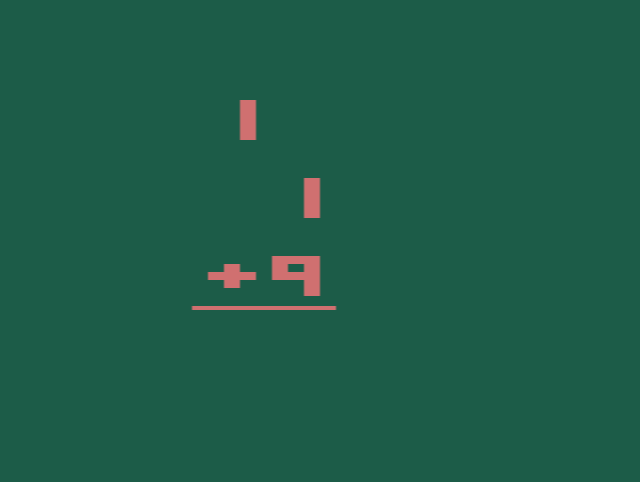
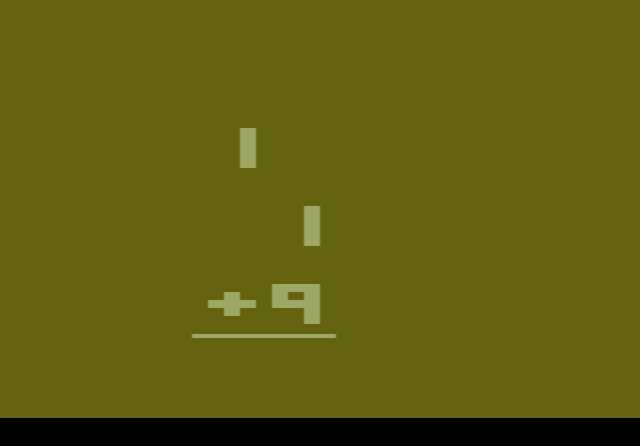
Each round gives you ten problems, and every correct answer scores one point. Games 1 to 4 are addition, subtraction, multiplication and division with a top number you choose yourself, which is useful for practising a single times table. Games 5 to 8 cover the same four operations with random numbers. With the timer on, you have 12 or 24 seconds per answer.
NTSC or PAL?
NTSC was the TV standard in North America and PAL was used in most of Europe. The two cartridges contain the same maths problems, but the picture was prepared for different televisions, so colours and screen timing can differ slightly. If one version looks wrong on your screen, try the other.