How to play Warring Worms online
- Steer your worm (player 1): arrow keys; fire the cannon with Space
- Player 2: T/F/G/H to steer, A to fire
- Step through the options: F11 (Select). Up and down on player 1’s joystick jump eight steps at a time, so you can change the other options and keep the same arena.
- Start the game: F12 (Reset)
- Starting speed: F4 (left difficulty switch: A = fast, B = slow)
Gameplay
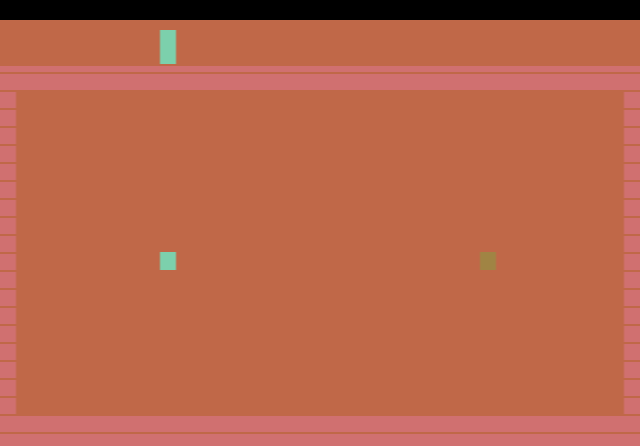
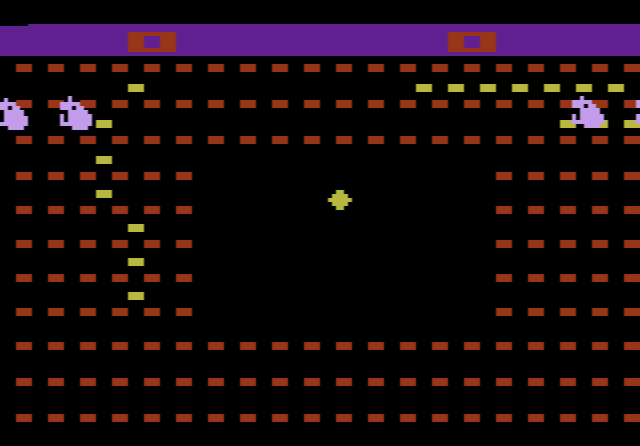
Each worm moves all the time and leaves a trail of blocks. You try to trap your opponent so they run into a wall, a trail or a piece of the arena. When the cannon is switched on, a shot removes one block, which can open an escape route, or kills the other worm if it hits the head. The game is played in rounds, and the first player to reach 99 wins.
Game options
Instead of a numbered list of games, the select screen shows small blocks for each setting. The manual lists these options:
- Arena: from an open field to tight mazes
- Players: one player against the computer, or two players
- Hostile environment: extra blocks appear at random during play
- Mega cannon: shots on or off (off plays like classic Surround)
- Wraparound: the side walls disappear, and a worm leaving one edge comes back on the other
- Hard mode: reversing into your own trail kills you
Tips
- Keep a way out. Before you box your opponent in, make sure you are not closing yourself in too. A single shot can open a gap if you are stuck.
- Aim for the head. A shot into the trail only removes one block; a hit on the head wins the round at once.
- Be careful in hard mode. A quick press in the wrong direction turns you back into your own body.
History
Warring Worms was Baroque Gaming’s first cartridge. In 2005 Simon Carless’s book Gaming Hacks named it among the best 2600 homebrew games. The same year Eno released Warring Worms: The Worm (Re)Turns, a new version with a redesigned selection screen and extra options, doubled in size from 4K to 8K.