How to play Wings online
Wings supported CBS’s Booster Grip controller, which the emulator does not emulate, but it also has a two-joystick mode that works fine on a keyboard: the first joystick flies the plane and the second one handles the weapons.
- Fly the plane: arrow keys (Player 1 joystick)
- Throttle up / down: hold Space and press the up or down arrow
- Fire weapons: T (Player 2 joystick up)
- Switch between machine guns and missiles: G (Player 2 joystick down)
- Start a new game: F12 (Reset)
Gameplay
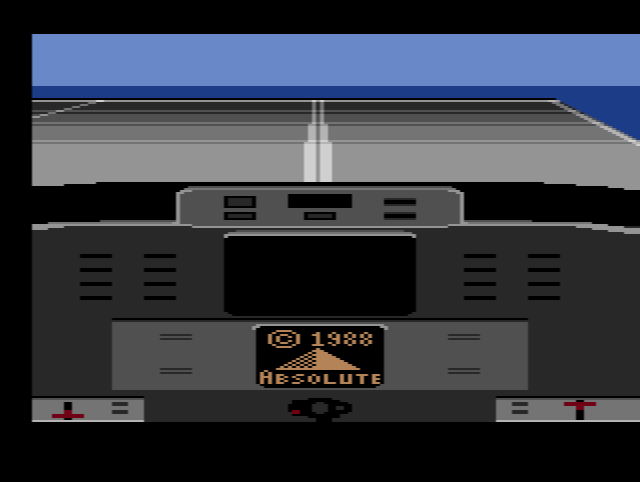
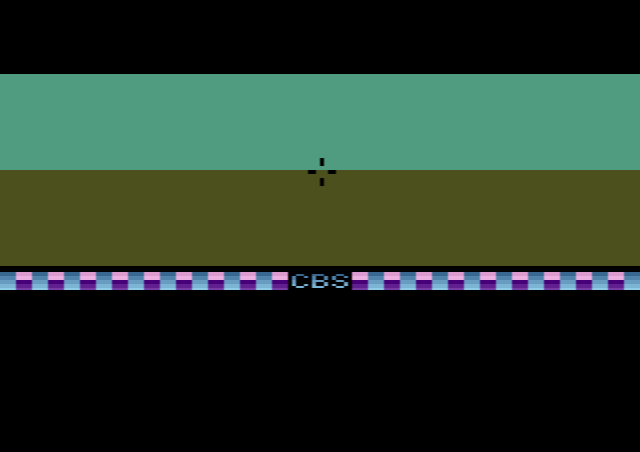
You take off and fly into combat, watching the action through crosshairs. The instrument panel is unusually detailed for the 2600, with seven displays: fuel, engine power, airspeed, altitude, radar, an artificial horizon and a compass. You have to keep up an average airspeed of at least 1535 mph and stay above 512 feet. Soon after take-off, enemy planes and ground guns start shooting at you. Line one up in your crosshairs and fire, choosing between machine guns and a limited supply of missiles.
Which prototype is this?
Two builds of Wings survive. The NTSC version is dated about four months earlier than the PAL one; it is playable, but has no enemy planes and many bugs. The later PAL build, from 10 October 1983, is almost complete, with a Wings logo and enemy planes, although some gauges do not work and the game crashes if you keep pulling back on the joystick during take-off. The file on this page is labelled as the USA prototype, which suggests it is the earlier NTSC build. If you see no enemy planes, that is why.
Why Wings was never released
Wings started out as a 4K game, but a full flight simulator would not fit, so it was rebuilt around CBS’s RAM Plus chip, which gave the cartridge more memory. Clouds were planned but never added. CBS closed its cartridge development on 23 October 1983, just weeks before Wings would have shipped. The decision came so late that promotional hats and scarves and even a TV commercial had already been made. A prototype box even showed the game packaged with the Booster Grip.