Which version is this?
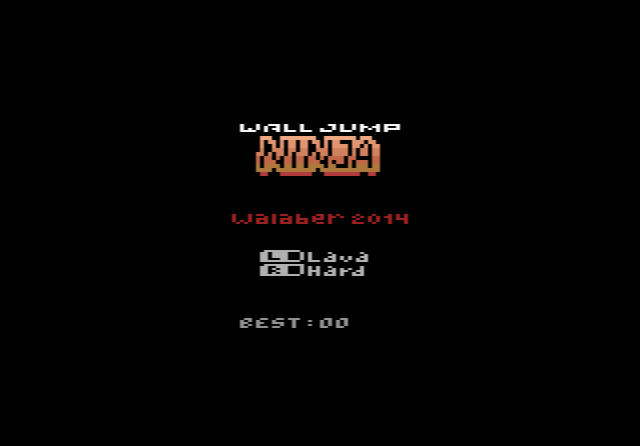
This page runs the PAL version, made for the 50 Hz television standard used in most of Europe. Walaber released the game in three versions: NTSC for North American TVs, PAL, and PAL60, which uses PAL colours at 60 Hz. The game itself is the same in all three. If you are not sure which to pick, the NTSC version is the usual choice.
How to play Wall Jump Ninja online
- Start training / wall jump: Space bar (the fire button). Hold it down to jump higher.
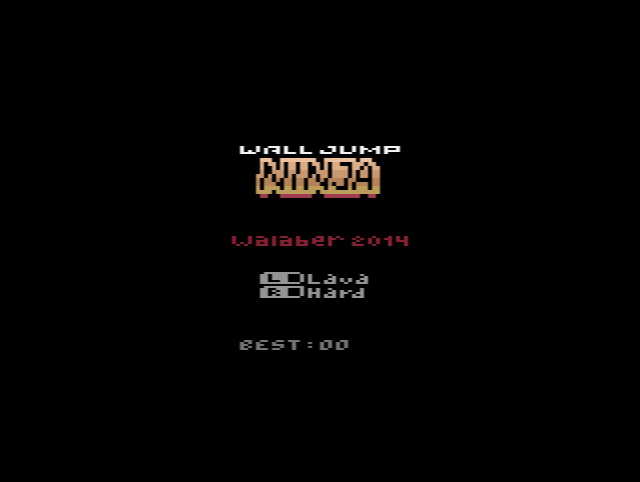
- Lava on or off: F4 (the left difficulty switch)
- Hard mode on or off: F9 (the right difficulty switch)
- Reset the console: F12
- Save and load your progress: Ctrl + 0–9 saves to a slot, Alt + 0–9 loads it
Gameplay
Your ninja bounces between two walls. Each press of the fire button makes a wall jump, and the longer you hold it, the higher the jump. You have to dodge the spikes on the walls, keep ahead of the death beam, and jump through the room exits to reach new rooms. The aim is simply to beat your own record.
Along the way you can collect the letters N-I-N-J-A. Once you have all five, you can use the Ninja Dash, the game’s special power-up.
Set the two difficulty switches before you start. With lava switched off, you can teleport back to the top of the wall if you slide too far down, which makes it the best setting for learning how long to hold the button. Hard mode makes spikes and other obstacles appear much sooner.
On a real console with an AtariVox, AtariVox+ or SaveKey, the game saves your records between sessions. The emulator here may not, so use a save state to keep a good run.
The story behind Wall Jump Ninja
The developer has said that he wrote assembly-language games for his TI-85 graphing calculator in high school. Reading Racing the Beam, a book about how the Atari 2600 works, made him want to try the console. Despite the 4K limit, the game has several modes, an attract mode, music and sound effects. The cartridge release came with a full-colour manual and label art by Corey Kramer.