How to play Bell Hopper online
Bell Hopper can be played with a paddle or a joystick, and the console’s colour/black-and-white switch chooses which one. Colour means paddle, black-and-white means joystick.
- Use the keyboard (joystick mode): press F2 to set the TV type switch to black-and-white
- Move the rabbit left and right: left and right arrow keys
- Jump off the ground to start: Space bar
- Switch the emulator between paddle and joystick mode: Alt + L
Gameplay
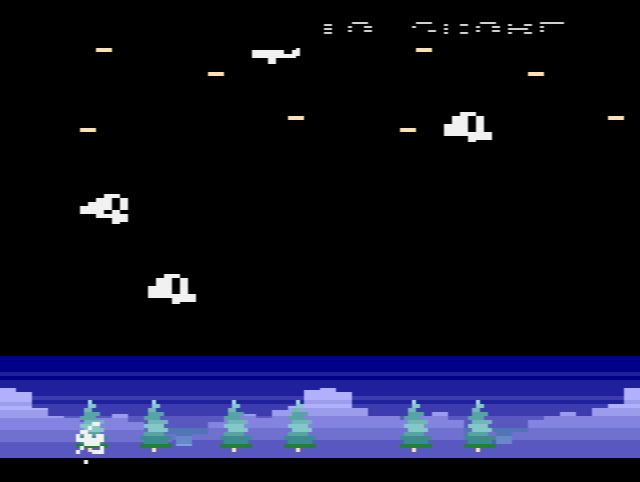
You can only jump from the ground. Once you are in the air, the only way to go higher is to touch a bell: each one you hit bursts and throws you upwards again, so you steer from bell to bell as the screen scrolls up with you. The first bell is worth 10 points, the next 20, then 30, and so on, so a long chain quickly adds up. Now and then a bird appears among the bells. Touching it doubles your whole score, which matters more and more the higher you climb.
Miss the bells and you fall. Once the game has started, landing back on the ground ends it. The game remembers the high score until the console is switched off.
Tips
- Save the birds for later. A bird doubles what you already have, so one caught high up is worth far more than one caught early.
- Look ahead. Move under the next bell before you reach the top of your jump, rather than chasing the one you just missed.
About the game
Härdin aimed to stay as close to Winterbells as the hardware allowed. The music was left out: the console’s sound chip cannot play proper notes of the musical scale, and a copy of the tune would have sounded wrong. The 4K program also packs in a 12-digit score display, which switches to scientific notation above one trillion points.The first release was PAL only; a second version with an NTSC build and the full source code followed in October 2011.