How to play Bridge online
- Raise or lower your bid: up and down arrow keys
- Pick a card: left and right arrow keys until the card flashes
- Confirm a bid or play a card: Space bar
- Deal a new hand: F12 (Reset)
- Choose a game (1–7): F11 (Select)
- Show your partner’s hand during bidding: F4 (left difficulty switch, position A)
- Show the opponents’ hands after play: F9 (right difficulty switch, position A)
- Restart the current hand: hold the down arrow and press Space during play
Gameplay
In games 1 to 3 you bid first, stepping through clubs, diamonds, hearts, spades and no-trump, with Pass as the lowest option. Your computer partner answers opening bids of one or two in a suit or one to three no-trump, and it uses the Stayman and Blackwood conventions. The opponents always pass, so the last bid from you or your partner becomes the contract. In games 4 to 7 there is no bidding: you choose the contract yourself. The game number also sets a minimum point strength for your side’s cards, from 13 up to 29.
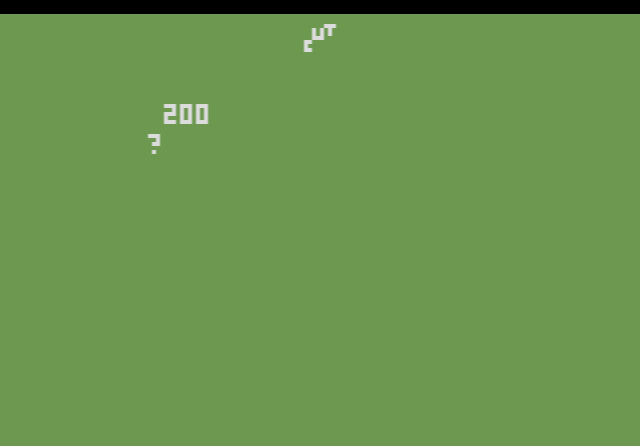
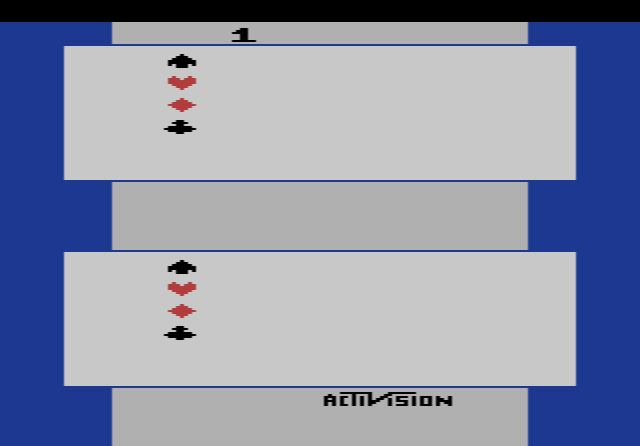
You then play both your own hand and your partner’s, while the computer defends. At the end the screen shows your overtricks in black or undertricks in red; zero means you made the contract exactly.
Tips
- Replay the hand you just lost. After the last trick you can bid the same cards again and try a different line of play.
- Use the peek switches while learning. Seeing all four hands afterwards shows where the missing high cards really were.
- Stick to the openings your partner understands. It only responds to the opening bids listed above.
The story behind Bridge
Kaplan had written Air-Sea Battle and Street Racer at Atari before joining Activision two months after it was founded in 1979. Bridge was one of the company’s six 1980 releases, alongside Boxing, Checkers, Dragster, Fishing Derby and Skiing. Kaplan pointed out that the program could deal over five hundred million different hands. In 1981 he followed it with the much better-known Kaboom!.