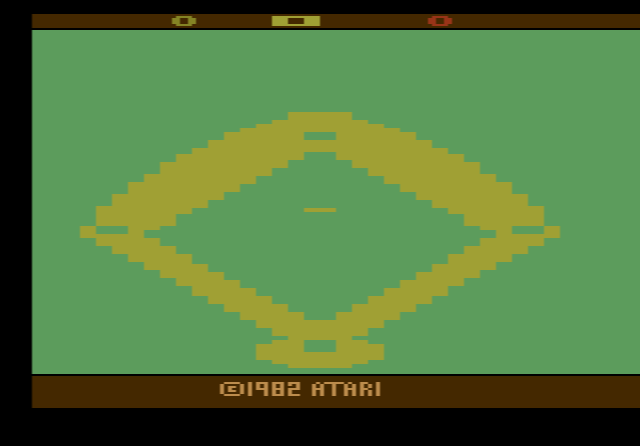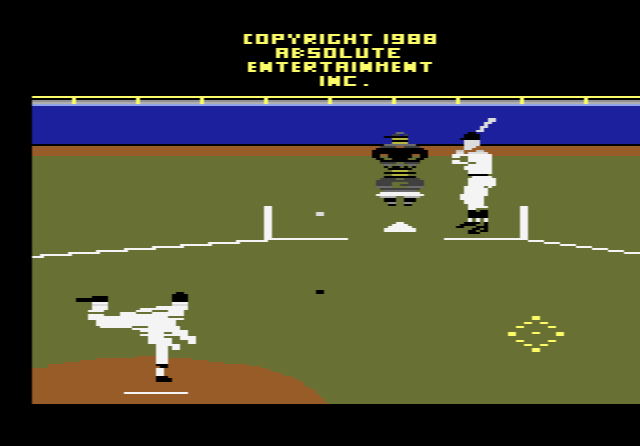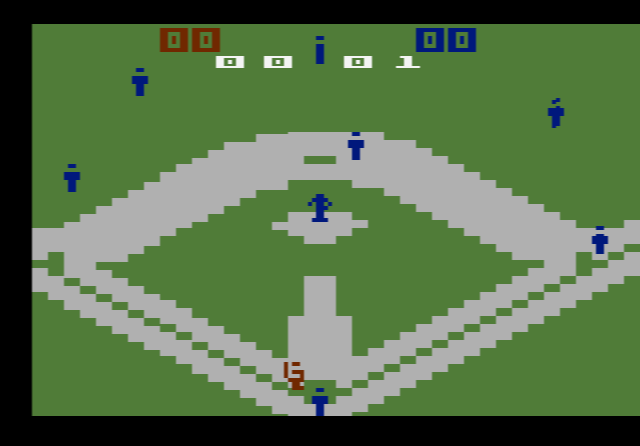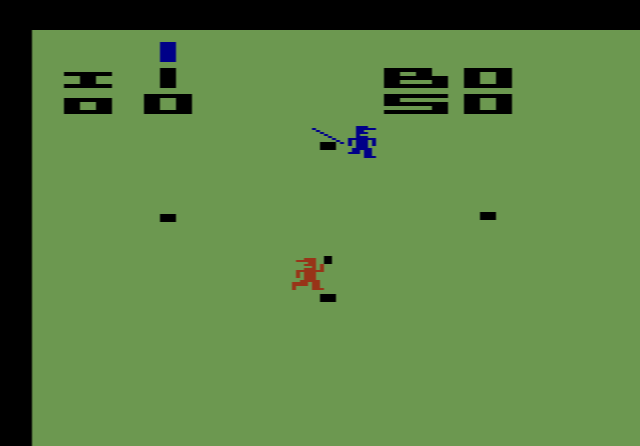
How to play Home Run online
The left player (blue team) uses the Player 1 keys and the right player uses the Player 2 keys. The manual says that in the one-player games you use the right joystick and play against the computer, so in games 1 to 4 you will probably need the Player 2 keys.
- Player 1 (left, blue team): arrow keys, Space to press the button
- Player 2 (right): T/F/G/H, A to press the button
- Pitch: press the button, then move the joystick while the ball is in the air to make it curve
- Swing the bat: push the joystick in any direction
- Stop your runners at a base: press the button before they reach it
- Field the ball: move your fielder with the joystick
- Start a new game: F12 (the console’s Reset switch)
- Choose a game: F11 (the console’s Select switch)
- Fielder and ball speed: F4 and F9 (the difficulty switches)
Gameplay
The blue team on the left bats first as the visitors. Standard rules apply at the plate: three strikes make an out, four balls give a walk, three outs end the half-inning and nine innings make a full game. A run scores whenever a runner crosses home plate. The quickest way to score is to hit the ball straight over second base: if nobody catches it, that is a home run.
Everything else is simplified. Each team has only one to three players, depending on the game chosen. The pitcher stands at second base rather than on a mound, and there are no fly balls. Fielders cannot throw, so to get a runner out you have to run to them with the ball and tag them. As soon as the pitcher or an infielder catches the ball, every player except the runners and the one holding the ball disappears from the screen. The home team always bats in the bottom of the ninth, even when it is already ahead, and a tied game simply ends without extra innings.
Variations and switches
There are eight games. Games 1 to 4 are for one player against the computer, and games 5 to 8 are for two players. The difficulty switches set the speed of the outfielders and the batted ball: in position A they move more slowly than in position B.
Tips
- Aim for second base. A ball hit straight over it is a home run unless it is caught, so timing your swing to send it up the middle pays off most.
- Curve late. Moving the joystick after the pitch leaves the pitcher’s hand bends the ball, which makes it harder for the batter to time the swing.
- Don’t get greedy on the bases. Runners keep going unless you stop them, and a fielder only needs to reach them with the ball to tag them out.
History
According to a 1978 New York Times interview with Nolan Bushnell, the engineer first given the project did not know the rules of baseball, and early versions awarded balls instead of strikes for missed pitches. Pete Rose appeared in the television adverts for the game and the console. Critics then and since have panned it for playing so little like real baseball. Mattel used it as a target in its Intellivision adverts, comparing it with its own Major League Baseball, in one of the first head-to-head console advertising battles. Atari replaced Home Run with RealSports Baseball in 1982.