How to play Pete Rose Baseball online
- Player 1 (home team): arrow keys, Space bar as the button
- Player 2 (visiting team): T/F/G/H, A as the button
- One or two players: F11 (the console’s Select switch)
- Start or restart a game: F12 (the console’s Reset switch)
- Save and load your progress: Ctrl + 0–9 saves to a slot, Alt + 0–9 loads it
Gameplay
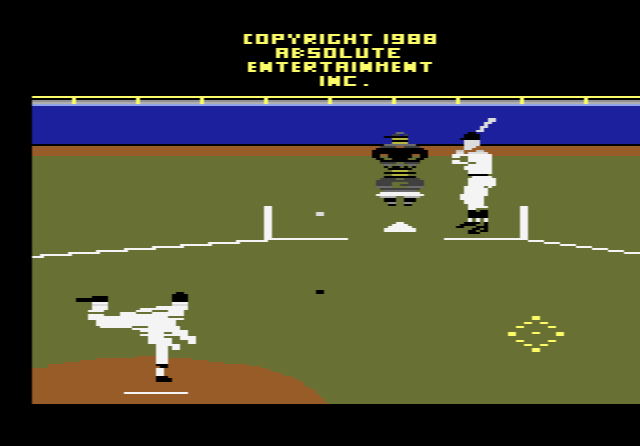
Pitching. First move your pitcher left or right on the mound, then push the joystick up for a fast pitch or down for a slow one. Press the button to start the windup, and the direction you hold as he throws picks the pitch: up for a fastball, down for a sinker, left for a screwball, right for a curveball, and centre for a change-up.
Batting. Move the batter up or down to swing high, middle or low, and left or right to cover inside or outside pitches. Press the button to swing.
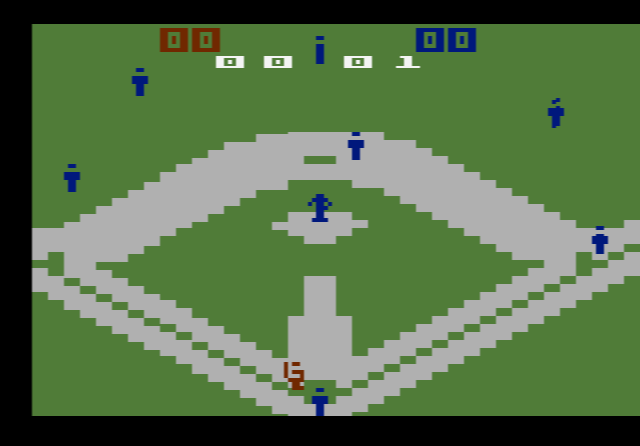
Fielding. When the ball is hit, the screen switches to the left or right side of the infield, or to one of the outfield views, depending on where the ball goes. In the infield you pick a fielder by holding the button and pushing a direction. Once he has the ball, hold the button and push up to throw to second, right to first, left to third, or down to home.
Running. Forced runners move up on their own when the ball is hit on the ground. For the others, push left to send all runners or right to hold them; do the same with the button held to control only the lead runner.
Tips
- Mix speed and pitch type. Speed and pitch are chosen separately, so a slow curveball after a few fast fastballs is a simple way to throw off a batter.
- Learn the throws before your first game. The four throwing directions match the bases’ positions on a diamond seen from home plate, which makes them easy to remember.
- Use the lead-runner control. Holding the button while running lets you send one runner without risking the rest.
- Watch which view appears. The camera cut tells you at once whether the ball went to the left side, the right side or the outfield.
History
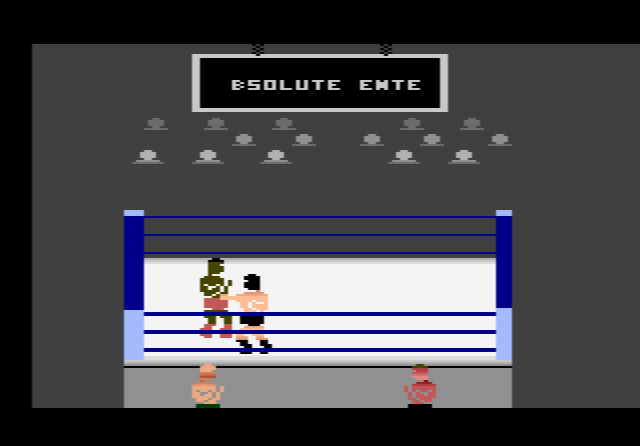
Absolute Entertainment was set up in 1986 by former Activision designer Garry Kitchen, together with his brother Dan Kitchen, Alex DeMeo and John Van Ryzin. DeMeo also programmed RealSports Boxing for Atari, and his boxing code was reused for Absolute’s Title Match Pro Wrestling. The behind-the-pitcher view follows the style introduced by the computer game HardBall!. A version for the Atari 7800 followed in 1989.
When Absolute closed in 1995, Activision took over its games. Pete Rose Baseball later appeared in the Activision Anthology collection under the plain title Baseball, because the licence to use Pete Rose’s name had run out.