How to play RealSports Soccer online
- Run and dribble: arrow keys
- Kick or pass: point the arrow keys in the direction you want the ball to go and press Space
- Switch players on defence: press Space until the player you want is highlighted
- Player 2: T/F/G/H to move, A to kick, pass or switch
- Choose a game variation: F11 (the console’s Select switch)
- Start a game: F12 (the console’s Reset switch)
- Wraparound on or off: F4 (Player 1) and F9 (Player 2) difficulty switches
- Save and load your progress: Ctrl + 0–9 saves to a slot, Alt + 0–9 loads it
Gameplay
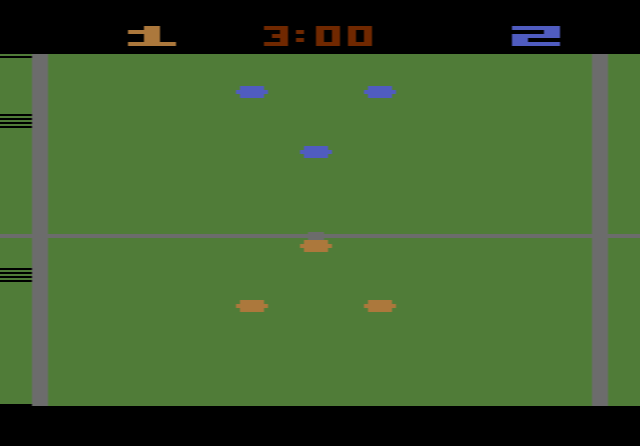
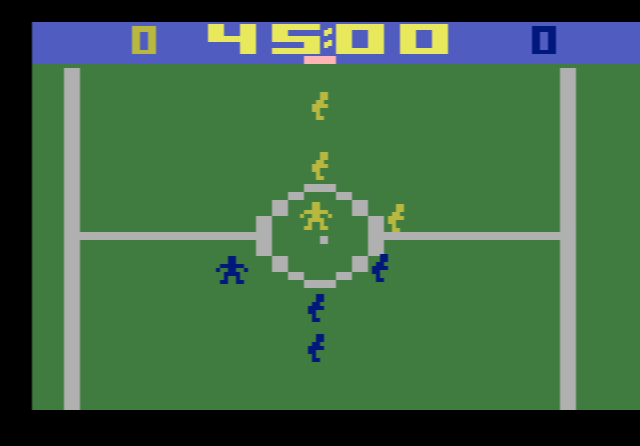
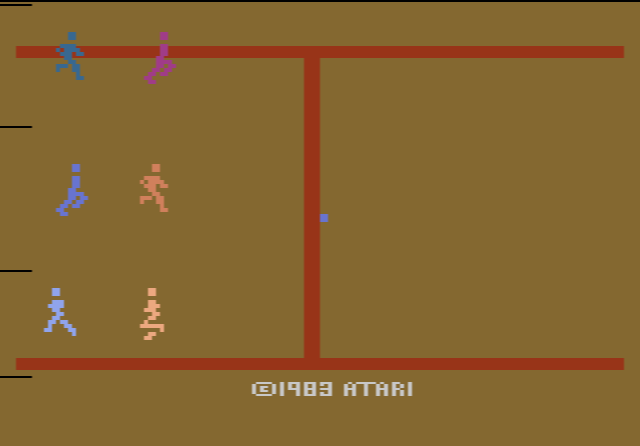
Blue plays red. Each side has three fielders, and each fielder stays in one of three lanes across the field. He can dribble only inside his own lane, so to move the ball into another lane you have to pass. You never control a goalkeeper. You control one player at a time, shown brighter than his teammates, and the computer moves the rest. On offence you always control the player with the ball, and a successful pass hands control to whoever receives it. On defence you press the button to cycle through your players.
Your player moves more slowly when he has the ball than the defender chasing him does, so running alone rarely works. Passing is how you keep possession. Only the player you control can score, and each goal is worth one point. The clock stops after a goal, and the referee’s whistle marks the kick-off, each goal and the end of the match.
Game variations and switches
There are 12 variations. They combine three skill levels (easy, intermediate and advanced), two match lengths (5 or 9 minutes) and one- or two-player play. In one-player games you control blue and the computer controls red, and it gets quicker and smarter at the higher levels. The difficulty switches control wraparound. In the B position, your controlled player can run off one side of the screen and come back on the other. The A position does nothing special.
Tips
- Pass early. The defender is faster than you, so pass before he catches up instead of trying to outrun him.
- Use the lanes. A pass into another lane is the only way to get the ball around a defender who is blocking yours.
- Get in front of the ball carrier. On defence, switch to the player closest to the ball and stand in his path to intercept.
- Start with a 5-minute easy game. It is the quickest way to learn the passing and switching before you try the advanced computer team.
History
Atari released RealSports Soccer in 1983. Outside North America it was also sold as Soccer, Football or RealSports Football. The RealSports line also included baseball, American football, volleyball, tennis and boxing games. An Atari 5200 version, programmed by John Seghers, added computer-controlled goalkeepers, and a planned Atari 8-bit computer version was cancelled. Reviews of the 2600 game were mostly unfavourable. One gave it a D, saying it lacked the depth and players to hold anyone’s interest. It is an early example of a scrolling team sports game on the console.