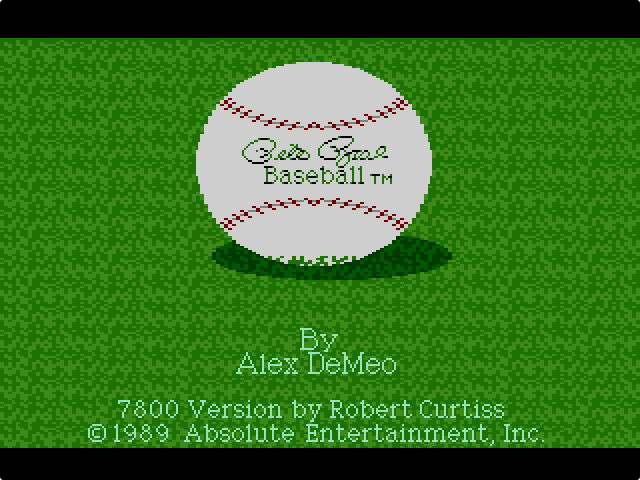
How to play Pete Rose Baseball online
- Pitching: left and right arrows move the pitcher on the rubber, and up or down sets a fast or slow pitch. Press Z to throw, then steer the ball: up for a fastball, down for a sinker, left for a screwball, right for a curveball, or leave the arrows alone for a change-up.
- Batting: arrow keys move the batter around the box; his position up or down decides whether you swing high, down the middle or low. Press Z to swing as the ball arrives.
- Fielding and throwing: hold Z and press an arrow to pick a fielder or throw: up to second base, down to home plate, left to third, right to first.
- Running the bases: without the button, left advances all runners and right holds them; with Z held, left and right advance or hold only the lead runner.
- One or two players: F2 (Select)
- Start a new game: F3 (Reset)
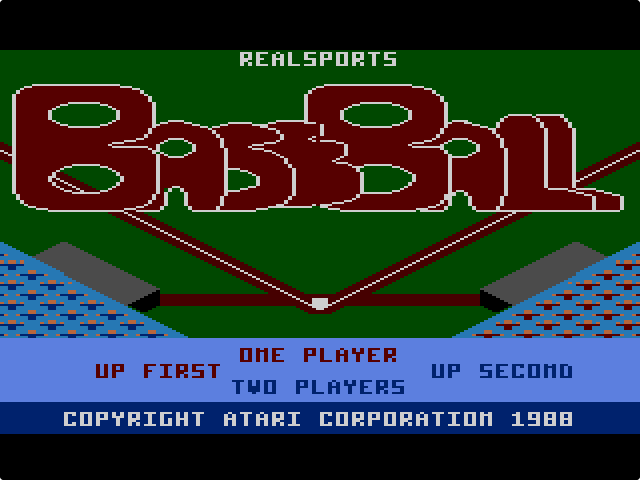
The site has two releases. The USA (NTSC) cartridge is Pete Rose Baseball. The Europe (PAL) cartridge is the same game sold under the plain title Baseball, without Pete Rose’s name. Use the switch above the emulator to pick one.
Gameplay
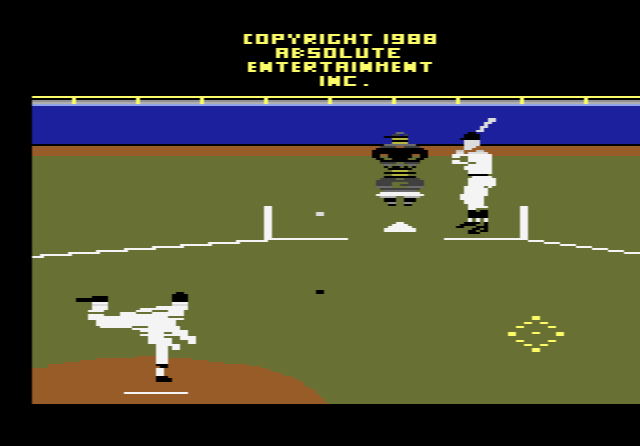
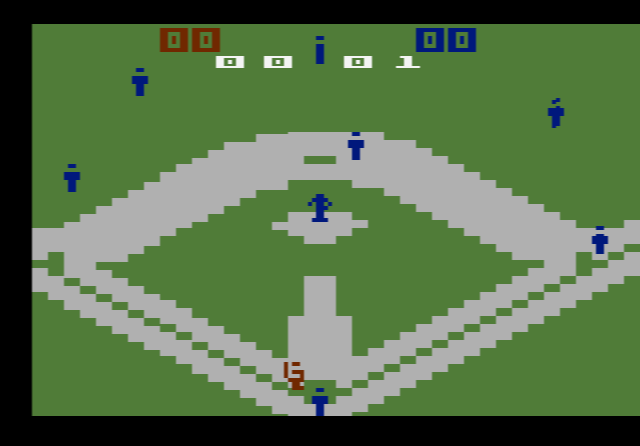
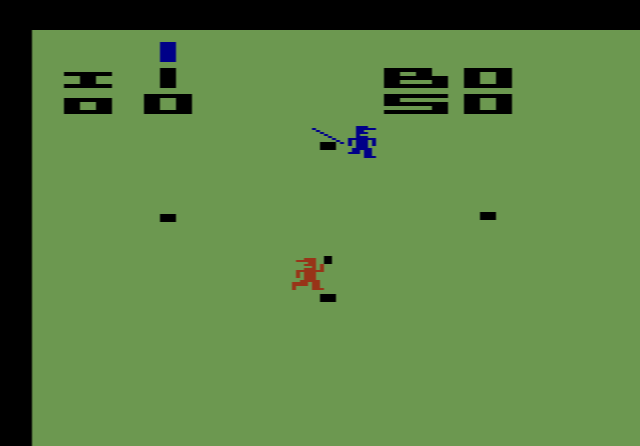
You play every position yourself, against the computer or a friend. Pitching and batting are shown from behind the pitcher, so you see the batter face on. When the ball is hit, the game switches to a bird’s-eye view of the part of the field it is heading to. There are several of these views, covering the infield and the outfield. You then pick the right fielder, chase down the ball and throw it to the correct base.
Tips
- Follow the shadow on fly balls. The manual’s own advice: run to the ball’s shadow, not the ball.
- Mix speed and spin. Speed is set before the pitch and the break after it, so a slow curveball and a fast sinker look very different to a batter.
- Know the throw directions by heart. In the field there is little time to think about which arrow goes to which base.
The story behind Pete Rose Baseball
Absolute Entertainment released Pete Rose Baseball for the Atari 2600 in 1988 and for the 7800 in 1989. Alex DeMeo designed it, and AtariAge credits Robert Curtiss with programming the 7800 version. The view from behind the pitcher was first used in the computer game Hardball. The licence carried the name of Pete Rose, the former Cincinnati Reds star. Years later, when Activision included the 2600 game in its Activision Anthology collection, the licence had run out, so that version was also renamed simply Baseball.