Every Atari 7800 game on AtariOnline.org runs in your browser through JS7800, an open-source Atari 7800 emulator written in JavaScript by raz0red and based on the ProSystem emulator. Nothing needs to be installed. The catch is that the 7800 had things a keyboard lacks: a two-button joystick, console switches, a light gun. This guide shows where each of them lives on your keyboard, how the USA / Europe switch works, what the emulator cannot do, and how to fix the usual problems.
Starting a game
A 7800 game page first shows a screenshot with a Play button. The emulator is only loaded when you click it, which keeps the page light. After a second or two the cartridge boots and you see its title screen or a demo.
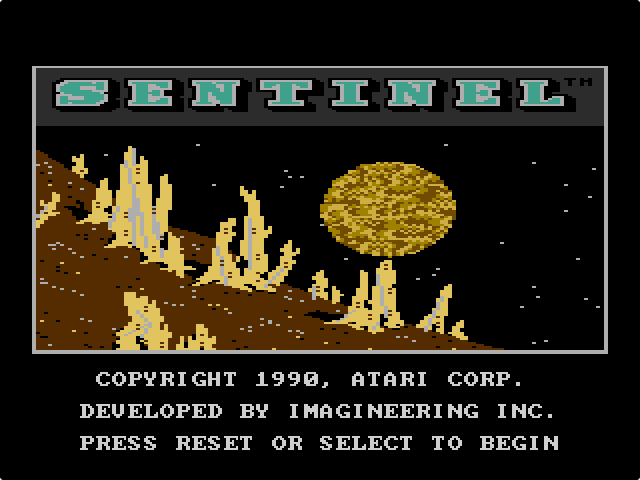
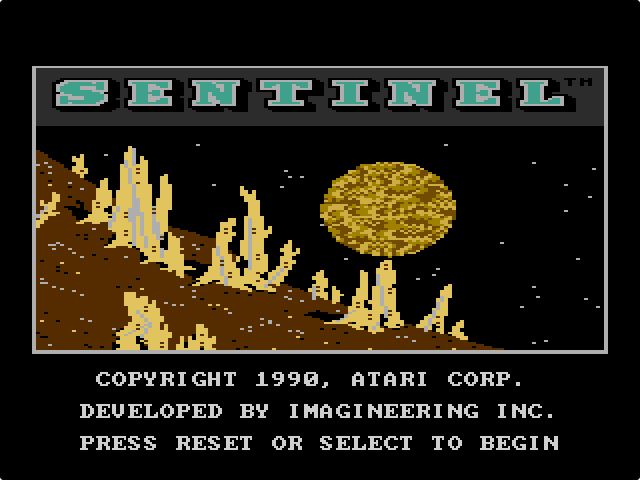
Most games then wait for the console’s Reset switch, which is F3. Sentinel says so on its title screen: “press reset or select to begin”. Select (F2) usually steps through the options shown on the title screen, such as one or two players or the difficulty level, before you press Reset.
Keyboard controls
The same keys work on every 7800 game page, and they are also listed under each emulator.
| Action | Player 1 | Player 2 |
|---|---|---|
| Joystick up / left / down / right | Arrow keys | I / J / K / L |
| Left fire button | Z | N |
| Right fire button | X | M |
The console switches are shared:
- F3 – Reset (start or restart the game)
- F2 – Select (choose a game mode)
- F4 – Pause. The 7800 has a real Pause button on the console, in the place where the 2600 had its colour / black-and-white switch.
- F5 and F6 – left and right difficulty switch. Each press flips the switch to the other position.
- F9 – full screen (F11 does the same while a game runs)
Why two fire buttons? The 7800 came with the two-button Pro-Line joystick. Only some 7800 games give the right button its own job; in the rest, and in all 2600 games, both buttons fire. So if a game manual mentions “button 1” or “the left button”, that is Z, and “button 2” or “the right button” is X. If you are unsure, try both.
While a game runs, the emulator listens to the keyboard on the whole page, not just on the game screen. The arrow keys therefore steer the game instead of scrolling the page; use the mouse wheel or the scroll bar to read the text below.
The control bar under the screen
Once a game is running, a thin bar appears at the bottom of the screen. From left to right it has:
- a Pause button, a Sound on/off button and a Restart button, which boots the cartridge again from the start;
- SELECT and RESET buttons, the same as F2 and F3;
- two small sliders for the left and right difficulty switches, which also show the current position when you use F5 and F6;
- a medal, an “i” and a gear icon (leaderboard, help and settings). These are not set up in this version of the emulator: clicking them only shows a “Not implemented” message under the screen;
- a full-screen button.
The buttons are handy on a laptop with awkward function keys, and they are the only way to press Reset and Select on a touch screen.
Two players on one keyboard
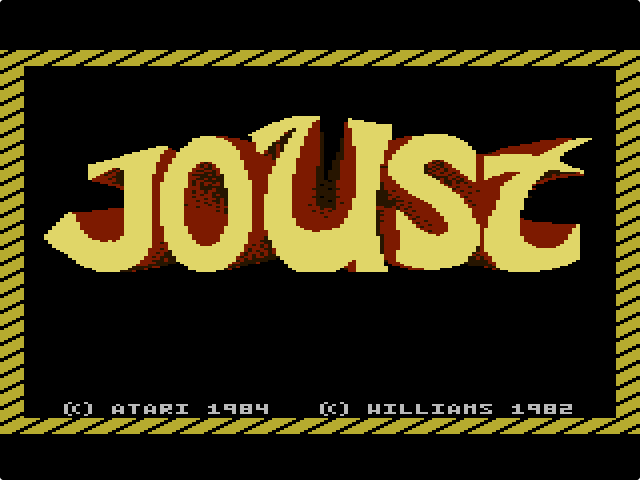
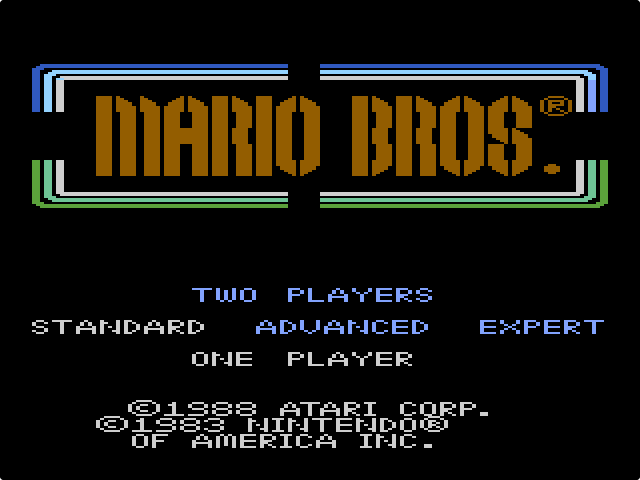
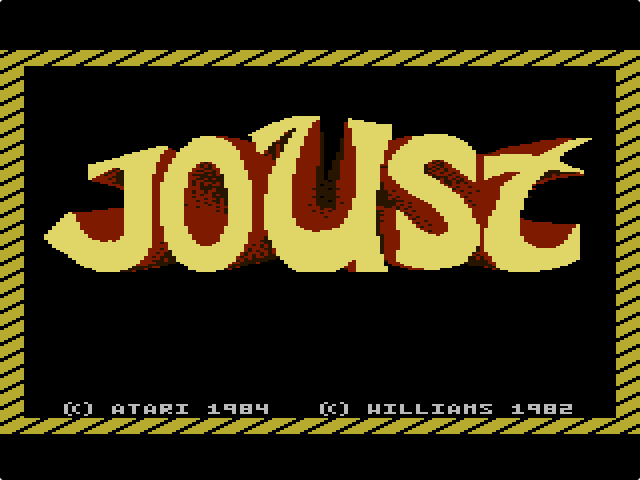
Many 7800 games are for two players, and the page lists the player 2 keys whenever a game supports it. One person uses the arrows with Z and X, the other sits on the right side of the keyboard with I, J, K, L and N, M. Joust and Mario Bros. are good ones to try, because both players are on screen at the same time. Pick two players with F2 on the title screen before you press F3.
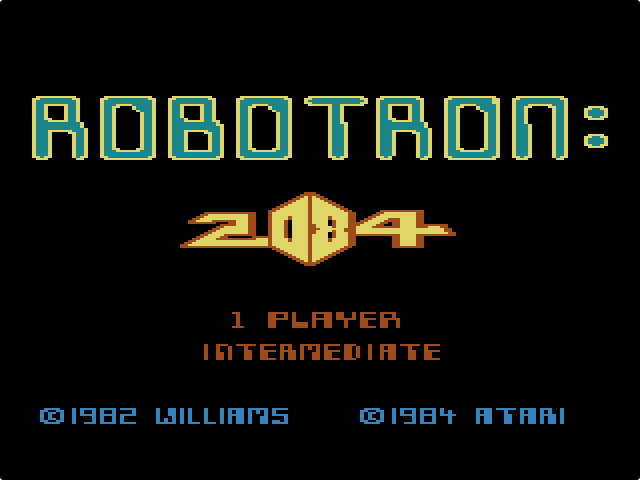
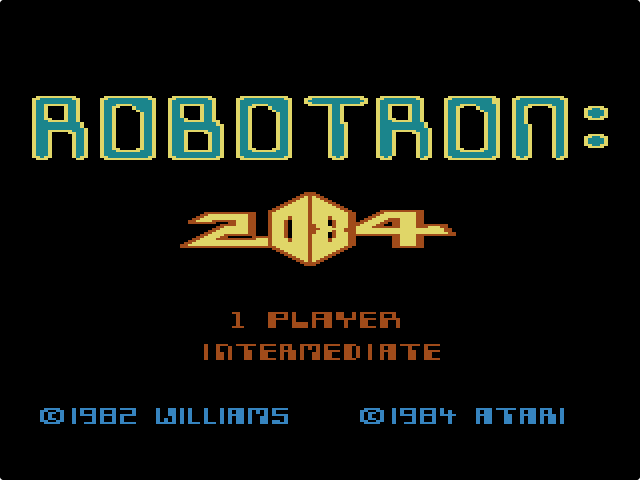
The player 2 keys have a second use in Robotron: 2084. On a real console you could plug a second joystick into the right port and use it only for shooting, like the arcade machine’s twin sticks. In our test the emulator does the same with the keyboard: move with the arrow keys and fire in any direction with I, J, K and L, without touching Z or X. It takes a minute to get used to, but it lets you run away from the robots while shooting back at them, which one stick cannot do.
Ordinary keyboards can only register a few keys pressed at the same moment. If two players hold several keys each, some presses get lost. That is the keyboard, not the emulator, and a gamepad for one player fixes it.
Playing with a gamepad
JS7800 reads USB and Bluetooth controllers through the browser’s Gamepad API. Connect the pad and press one of its buttons while the game page is open, because browsers only show a gamepad to a page after a button press. The first pad is player 1 and a second pad is player 2. With a controller in the common Xbox-style layout, the emulator’s standard mapping is:
- D-pad or left stick: joystick
- A (bottom button): left fire button
- B (right button): right fire button
- Start / Menu: Reset
- Back / View: Select
- Left or right bumper: Pause
In Robotron: 2084 the right stick of the first pad acts as the shooting joystick, which is the closest you will get to the arcade’s twin sticks. The keyboard keys keep working alongside the pad, so one player can use a pad while the other uses the keyboard.
Light-gun games: aim with the mouse
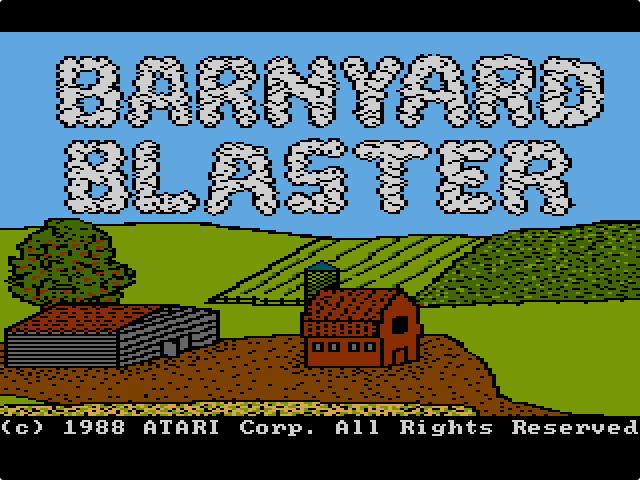
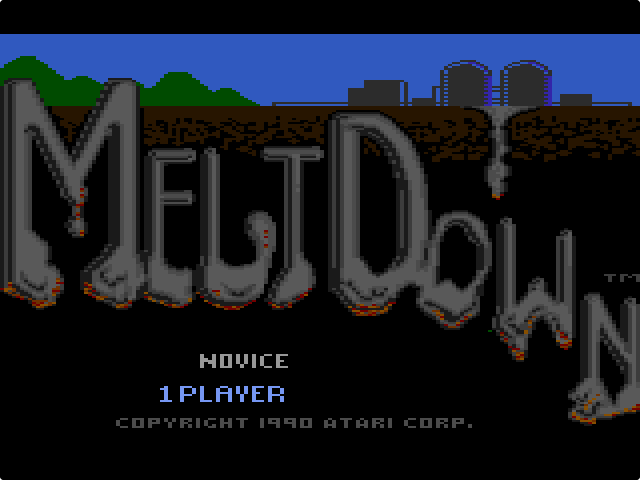
Atari released five 7800 games for the XG-1 light gun, and all five are on the site: Alien Brigade, Barnyard Blaster, Crossbow, Meltdown and Sentinel. The emulator turns the mouse into the gun. When one of these games starts, the pointer over the game screen becomes a crosshair: move it to aim and click the left mouse button to fire. Reset and Select still work as usual.
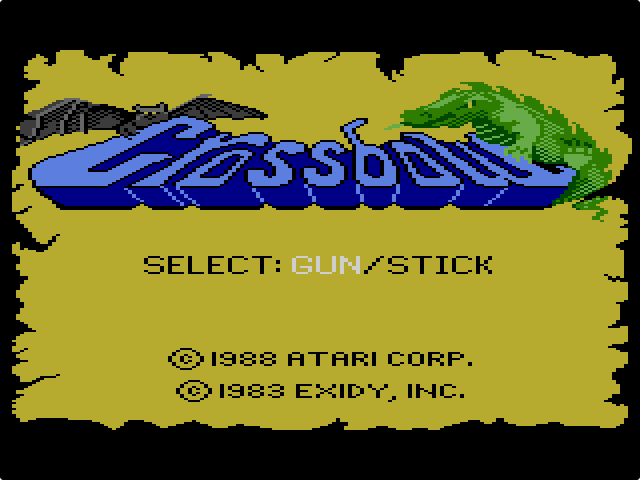
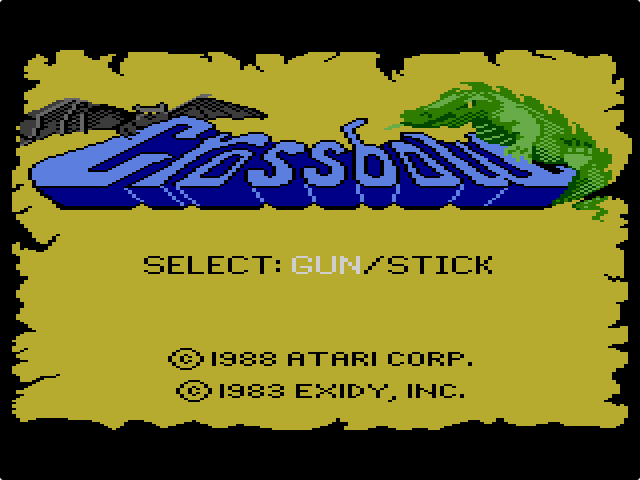
A mouse is much steadier than a light gun pointed at a TV, so these games play more easily here than they did on a TV set. Crossbow and Alien Brigade could also be played with a joystick on the real console; Crossbow even asks “gun/stick” on its title screen. On this site they are set up for the gun, so use the mouse.
The USA (NTSC) / Europe (PAL) switch
Many 7800 games came out on both sides of the Atlantic, in an American (NTSC) and a European (PAL) version. Where both are on the site, two buttons above the emulator let you choose. The emulator runs a PAL game at the European TV rate of 50 frames a second instead of 60, with the PAL colour palette, so the two versions can differ in speed, colour and sometimes content.
- Choose the version before you click Play. If you switch while a game is running, the page reloads and starts the other version from the beginning, so you lose your game.
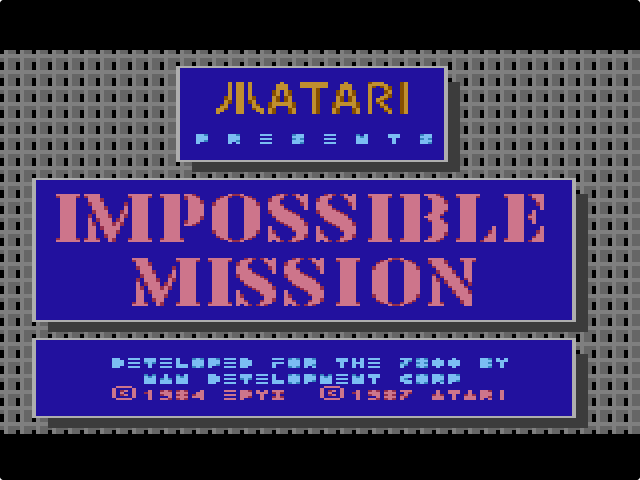
- Some pages open on Europe on purpose. Impossible Mission is the main example: the American cartridge has a bug that can make the game impossible to finish, and the European one does not.
- On Sentinel the USA button loads a prototype, because the game was only sold in Europe.
- Pages with only one version, such as Asteroids or Summer Games, have no switch at all.
What the 7800 pages cannot do
- No save states. The Atari 2600 pages let you save the game at any moment. The 7800 emulator has no such feature, so every game starts from the beginning. Use Pause (F4) if you need a break, and keep the tab open.
- No high-score saving. Some 7800 cartridges were written to store their best scores on Atari’s High Score Cartridge, an add-on. It is not emulated here, so scores are gone when you leave the page.
- No touch joystick. On a phone or tablet you can tap the bar’s buttons, but there is no on-screen joystick. A Bluetooth gamepad makes the games playable there.
Common problems and fixes
There is no sound
Check the speaker icon in the control bar first: if it shows sound off, click it. Then check that the browser tab is not muted and that your system volume is up. If the sound is missing after a region switch, which starts the game without a click, reload the page and start it with the Play button.
The keys do nothing
Click anywhere on the page so that the browser window has focus; if you last clicked the address bar or another program, key presses do not reach the page. If the joystick works but the game will not start, it is waiting for F3. On many laptops the F-keys control brightness and volume; hold Fn together with F2–F9, or use the SELECT and RESET buttons in the bar.
The page reloads when I press F5
F5 is also the browser’s reload key, and F3 and F6 have browser jobs too. While a game is running, the emulator catches these keys before the browser does. Before you click Play it cannot, so start the game first and use the difficulty switches afterwards.
The game froze or acts strangely
Try F3 first, then the Restart button in the bar, then reloading the page. If a game is still broken, tell us through the contact page and name the game and the version (USA or Europe).
Where to start
If you want something simple to learn the keys on, Ms. Pac-Man only needs the arrows and F3. Food Fight uses one button and is quick to pick up. Pole Position II, the game that came in the box with the console, is a good test of the two fire buttons: Z accelerates and X brakes, and Ballblazer is a fine two-player game for one keyboard. For the mouse, try Barnyard Blaster.
The Atari 2600 games on the site use a different emulator with different keys, including save states; they are explained in our guide to playing Atari 2600 games in your browser.