How to play Confrontation online
There is no computer opponent, so you need two players sharing the keyboard.
- Player 1: arrow keys, fire = Space
- Player 2: T/F/G/H for up/left/down/right, fire = A
- Start a new game: F12 (the console’s Reset switch)
Gameplay
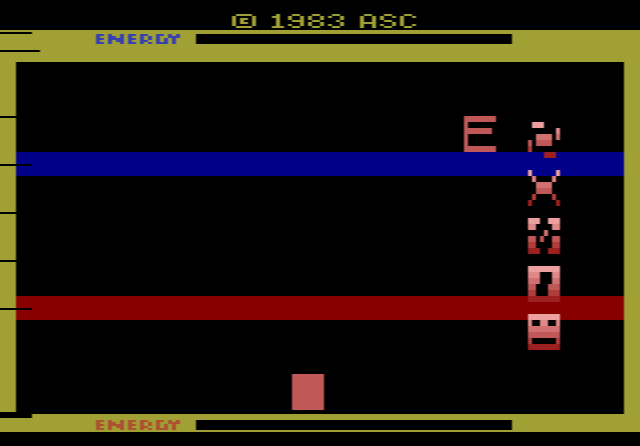
Each side has four pawns and a captain. Blue’s pawns start along the left edge with the captain at the top centre; red’s line the right edge with the captain at the bottom. March all four pawns to the far side of the board, where they are removed, then bring your captain across too. The first player to clear all five pieces wins.
To move, place your bar, which stretches across the playfield, over a piece. Press the button once to select a pawn or twice for your captain, then move it horizontally or vertically. Pieces cannot pass through occupied squares, but your captain can land on an enemy pawn and send it back to its starting position.
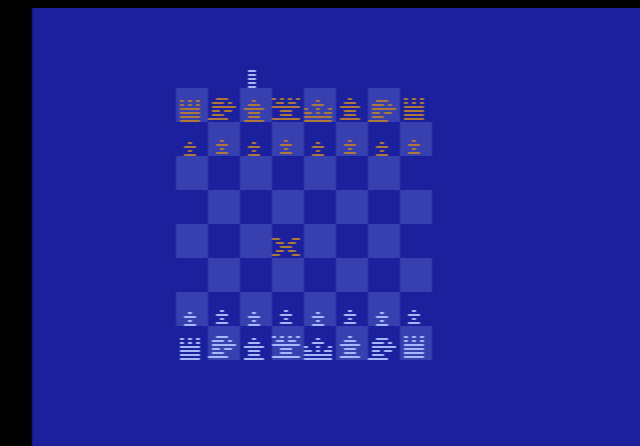
Every move uses energy, shown at the top and bottom of the screen. Run out completely and you are frozen for three seconds while your opponent moves freely; then your energy is fully restored. A pod flashing the letter “E” wanders the board, and touching it while the letter shows refills your energy at once. The game uses a programming trick to show more objects than the 2600 normally can, so screenshots often show only one side’s pieces.
Tips
- Don’t run dry. Hitting zero energy gives your opponent three free seconds.
- Use the captain to defend. Knock back enemy pawns that are close to finishing.
- Block lanes. Since pieces cannot pass through each other, a well-placed pawn can hold up your opponent.
History
Answer Software released Malagai and Gauntlet for the 2600. Confrontation, model 2001, only appeared on the company’s stand at the 1983 CES and as a direct order for people who had seen it there, and collectors now class it as a prototype. Because so few people owned it, most descriptions of its rules go back to Leonard Herman’s reference book ABC’s to the VCS.