How to play Video Checkers online
- Move the X cursor: arrow keys (the cursor moves diagonally on the dark squares)
- Pick up and drop a piece: Space bar
- Second player: T/F/G/H to move, A to pick up and drop
- Set up a new game: F12 (the console’s Reset switch)
- Choose game 1–19: F11 (the console’s Select switch)
- Set-up mode: F4 (left difficulty switch) – A lets you place pieces freely, B is normal play
- Who moves first: F9 (right difficulty switch) – B means you (the left player) start, A means the computer or the right player starts
- Board numbering: F2 (colour/black-and-white switch)
- Save and load your progress: Ctrl + 0–9 saves to a slot, Alt + 0–9 loads it
Gameplay
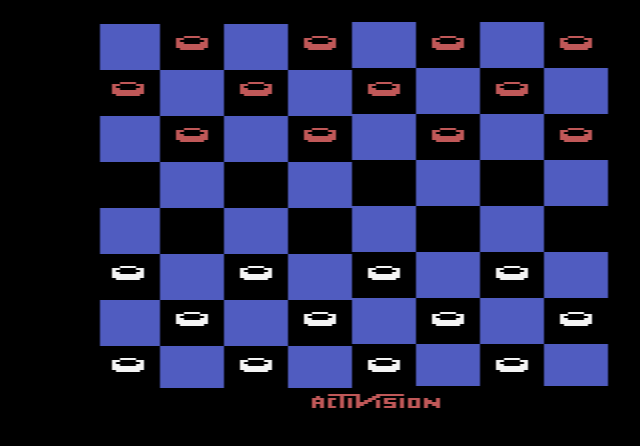
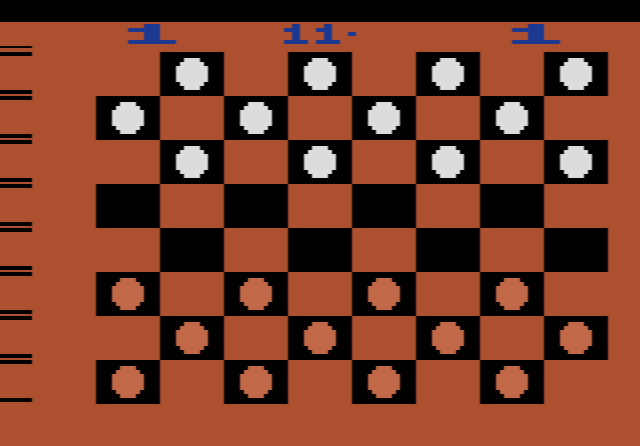
The cartridge follows standard checkers rules: you must jump when you can, and you win when your opponent cannot move, either because they have no pieces left or because they are blocked. A piece that jumps into the king row is crowned but cannot keep jumping in the same turn. To move, press the button on a piece, steer it to its new square and press again. If a jump is available, the letters JP flash at the top of the screen, and an illegal move gets a buzzing sound.
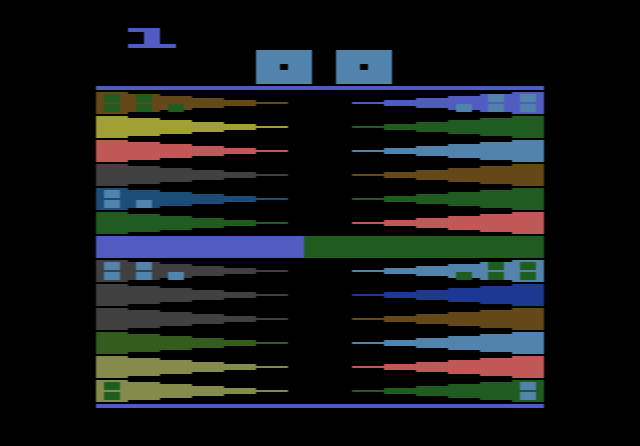
While the computer is thinking, the board disappears and the screen flashes colours. This is deliberate: the 2600 cannot easily draw the board and calculate at the same time. When the board returns, the computer’s piece and any captured pieces blink.
Game variations and switches
- Games 1–9: regular checkers against the computer. The higher the number, the further ahead it looks. Game 1 replies in under two seconds; game 9 can take about 15 minutes.
- Game 10: two players, no computer.
- Games 11–19: giveaway checkers against the computer, again getting stronger as the number rises.
Games 1–4 use a red and black board; games 5–9 switch to the green and buff colours of official tournament boards. You can change the level in the middle of a match. Set-up mode lets you take back moves or build a position from a checkers book, and the colour/black-and-white switch changes the square numbering so the cartridge could play against other checkers computers using standard notation.
Tips
- Pick a level you have time for. From level 4 the computer judges position as well as counting pieces, but levels 7–9 take minutes per move.
- Hold the centre. Pieces in the middle of the board have more moves and are harder to trap.
- Trade when ahead. With more pieces, even swaps bring you closer to a win. When behind, avoid them.
The story behind Video Checkers
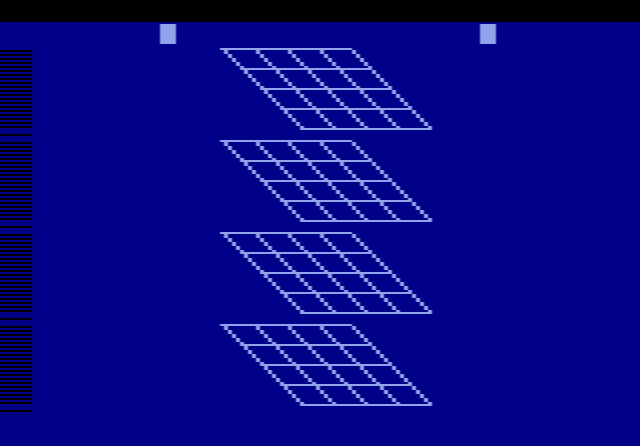
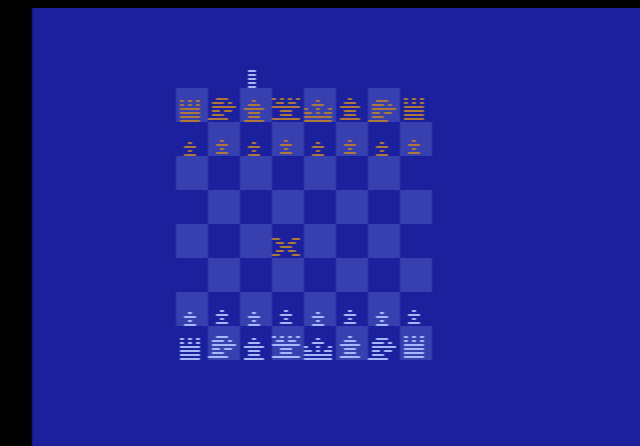
Carol Shaw joined Atari in 1978, and Video Checkers and her earlier 3-D Tic-Tac-Toe are among the first commercially released video games written by a woman. She took on checkers while Bob Whitehead was busy with Video Chess. With 4 KB of ROM and 128 bytes of RAM, she used alpha-beta pruning, a search method that lets the computer skip moves that cannot matter. Activision co-founder Alan Miller wrote his own Checkers at about the same time; he was impressed by Shaw’s version and later offered her a job at Activision.
Reviews were mixed: a 1982 strategy guide found the computer a match for most players, while later reviewers disliked the slow thinking and blank screen. It was later included on Atari Flashback consoles.