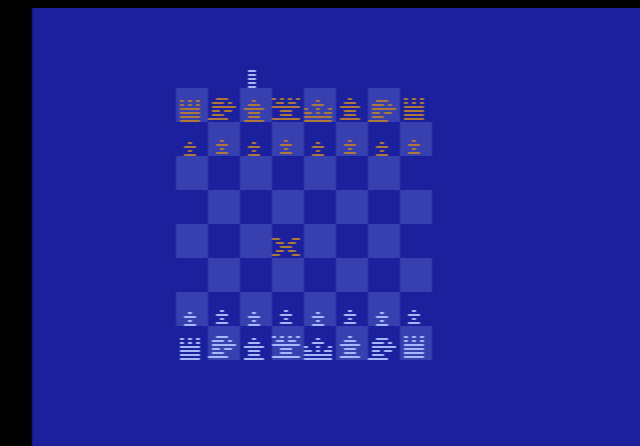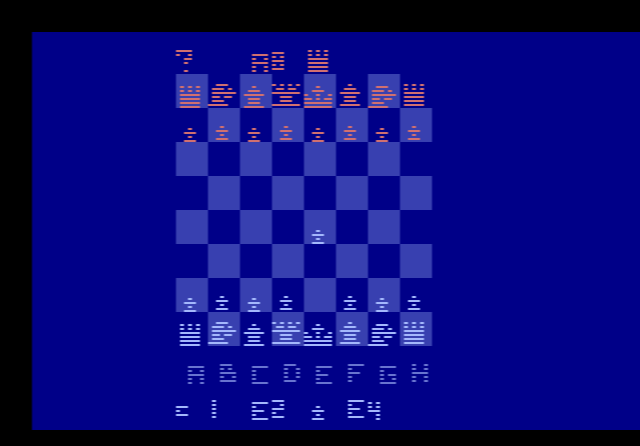
How to play Computer Chess online
- Move the cursor: arrow keys
- Pick up and put down a piece: Space bar
- Start a new game: F12 (the console’s Reset switch)
- Save and load your position: Ctrl + 0–9 saves to a slot, Alt + 0–9 loads it
No manual exists for the prototype. These controls assume it works like Video Chess, so expect some differences.
How it differs from Video Chess
Computer Chess needed 6 KB of program space, more than the standard 4 KB cartridge of the time. Rather than sell it on a more expensive bank-switched cartridge, Atari trimmed it to fit. Two things were removed: the display of the moves in chess notation, and the two highest skill levels, which took so long to think that they were close to unplayable.
The prototype is also rougher. A pawn that reaches the far side of the board is stuck there, because there is no promotion. The computer does not understand check or checkmate, so nothing warns you when a king is attacked and the game does not end when there are no legal moves left. The computer sometimes stops playing once it has captured most of your strong pieces. AtariProtos also describes an opening where, after a particular exchange of pawns and a knight move, you end up in control of one of the computer’s pawns.
History
Atari’s original 1977 console box showed a chess piece, although no chess cartridge existed yet, and the often-told story is that a customer took Atari to court over it. Whether or not that is the full story, Whitehead and Wagner went on to build a chess program. Two copies of this early version survive: an EPROM board dated 7 July 1978 and an undated cartridge labelled “Computer Chess”. The finished Video Chess followed in 1979.