How to play Nuts online
- Move the squirrel: left and right arrow keys
- Throw: Space bar
- Choose a game variation: F11 (the console’s Select switch)
- Start a new game: F12 (the console’s Reset switch)
- Save and load your progress: Ctrl + 0–9 saves to a slot, Alt + 0–9 loads it
Gameplay
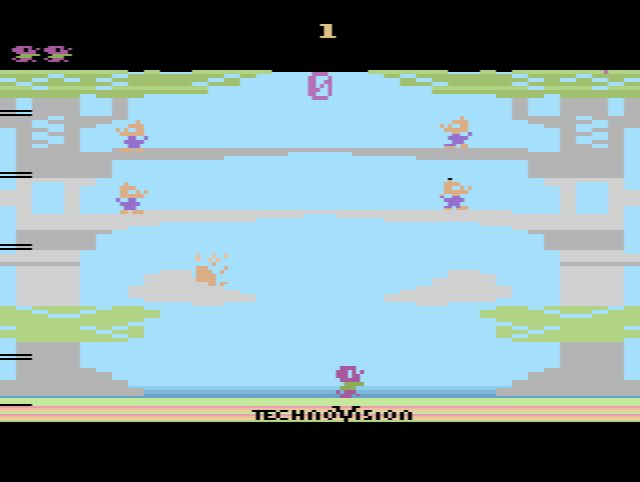
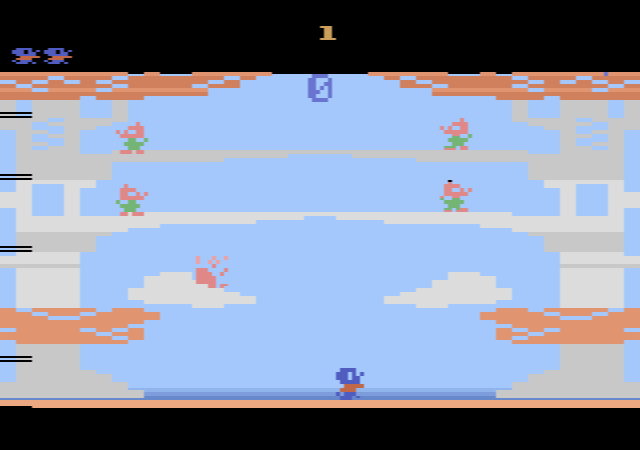
TechnoVision’s flyer sets the scene: you are a hard-working squirrel who has spent all year filling your treetop home with food, and while you were out the Wily Weasel stole the lot. Your squirrel runs along the ground at the bottom of the screen, and the thieves sit on the branches of a big tree above. You throw at them to knock them off the branches and win back your store.
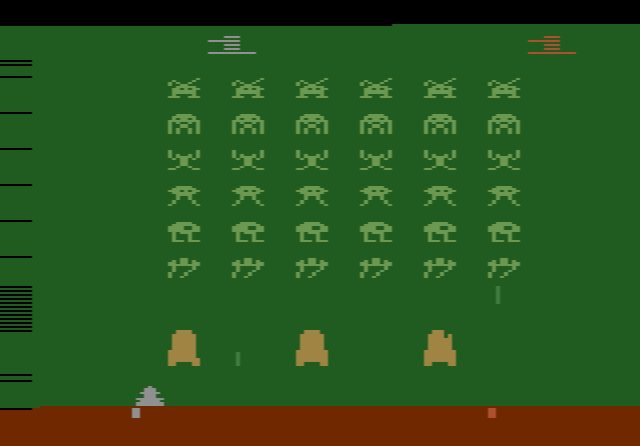
The British magazine TV Gamer reviewed it in winter 1983, filed it under children’s games and described it as a bit like Space Invaders with different graphics. That is a fair guide to what to expect: a short, easy-going shooter rather than a deep game. No instruction manual has been documented, so scoring and the exact differences between variations are not known.
NTSC and PAL versions
TechnoVision sold Nuts only in Europe, on a PAL cartridge with the catalogue number TVS 1001. It was never released in North America. The site has both versions: this NTSC one, which runs at the American 60 Hz TV standard, and the original Nuts (PAL), made for the European 50 Hz standard. It is the same game either way, so pick whichever looks and plays better for you.
History
Nuts was the first of four TechnoVision cartridges advertised in the company’s flyer, numbered TVS 1001 to TVS 1004, alongside Save Our Ship, Pharaoh’s Curse and Locomotive. TV Gamer thought none of them were world beaters but expected them to appeal to younger players.