How to play Seawolf online
- Steer the submarine: arrow keys
- Fire a torpedo: Space bar
- Start a new game: F12 (the console’s Reset switch)
- Change the difficulty: F4 and F9 (the difficulty switches)
- Save and load your progress: Ctrl + 0–9 saves to a slot, Alt + 0–9 loads it
Gameplay
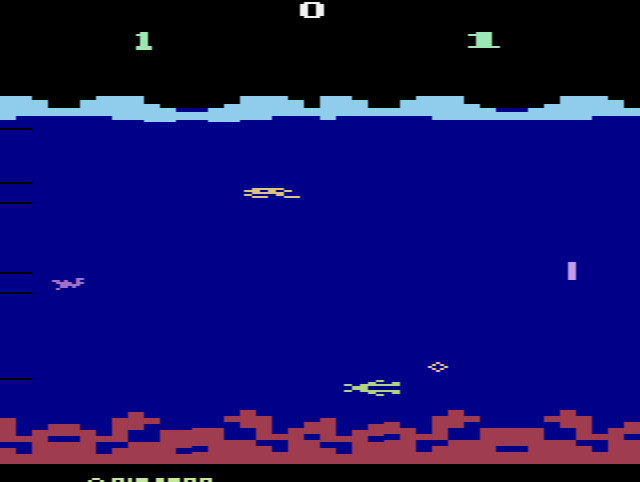
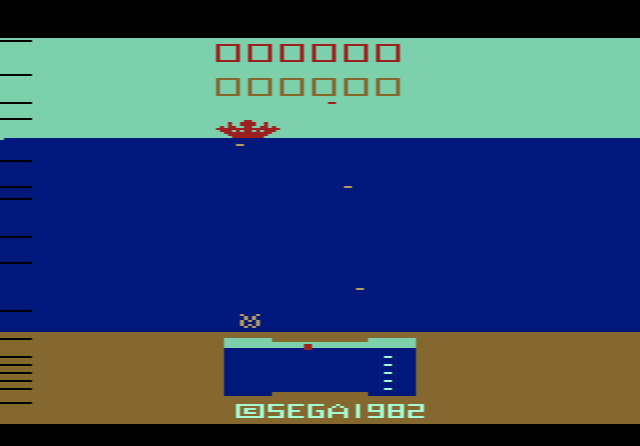
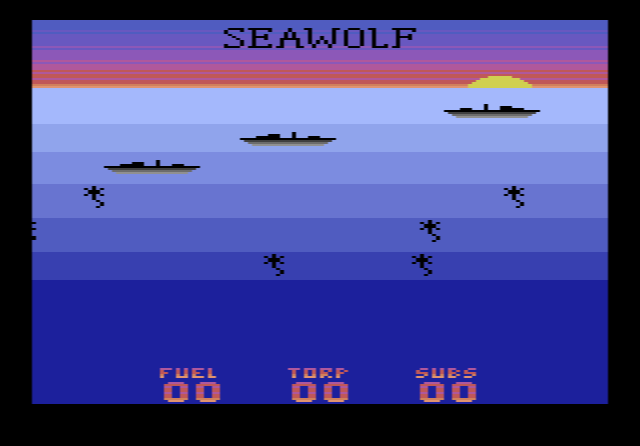
Ships cross the surface above you, and your job is to sink as many as you can. They are not all the same. Some are quick speedboats, battleships need several hits before they go down, and some ships drop depth charges on you. Mines and enemy submarines add to the danger below the surface.
Your torpedoes and fuel are limited, and running out of either costs you a submarine, just like being hit. To stock up, shoot the supply containers that appear from time to time. Red Cross ships are the twist: hit one and your torpedo bounces straight back at you.
There are four difficulty settings, chosen with the console switches. The score is shown in a different colour for each setting, so you can see at a glance which one you are playing.
Tips
- Don’t fire at random. Every missed torpedo brings you closer to running dry. Wait for a clean shot.
- Always hit the supply containers. They are the only way to refill torpedoes and fuel.
- Use the Red Cross ships. A torpedo that bounces off one can be angled into another ship, but be ready to dodge it.
- Keep an eye on the depth-charge ships. Move away from them after you fire.
About the game
Seawolf was Rotschkar’s third 2600 game, after Gunfight and Star Fire, and began as his entry in the 4K category of the 2004 MiniGame Competition. Its ships are drawn as 24-pixel-wide multicoloured sprites, which AtariAge described as a first for a 2600 homebrew. AtariAge sold it on a translucent blue cartridge to suit the sea theme, with a full-colour manual by Dave Exton, in both NTSC and PAL versions.