
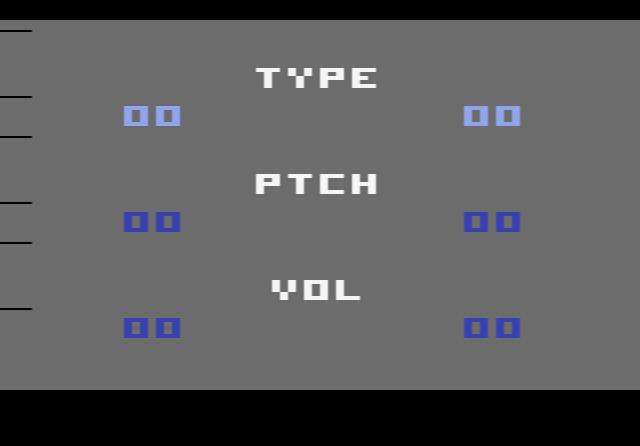
How to use Sound X online
We could not find an instruction sheet for Sound X, so the keys below are the emulator’s standard joystick and console controls. Try them and listen to what changes.
- Joystick: arrow keys, fire = Space bar
- Console switches: F12 = Reset, F11 = Select, F4 and F9 = left and right difficulty switches
- Save and load a setting you like: Ctrl + 0–9 saves to a slot, Alt + 0–9 loads it
The story behind Sound X
Atari withdrew the 2600 from the market in 1992. A few years later Federmeyer wrote Sound X for his own use, to experiment with the console’s sound, and then offered it to other fans on Usenet. He described this kind of hobby development as “homebrew”, borrowing the name of the Homebrew Computer Club, the 1970s Californian computer hobbyist group. The word stuck and is still used for new 2600 games today. His next project was Edtris, an unlicensed version of Tetris.
More than one build of Sound X exists. Emulator databases list versions dated 1994 and 1996, plus one called Sound X6, and Wikipedia gives 1995 as the release year. This page runs the 1996 version.
Similar cartridges to try next
- Synthcart – a homebrew that turns the 2600 into a playable synthesizer
- The Music Machine – another cartridge built around music
- Grover’s Music Maker – make music with the Sesame Street characters