How to play Space Attack online
- Radar screen, pick an alien fleet: down arrow key
- Radar screen, send a squadron: hold Space and press up (blue), left (white) or right (gold)
- Battle screen, move the gunsight: arrow keys
- Battle screen, fire lasers: Space bar
- Start a new game: F12 (the console’s Reset switch)
- Alien aggression, easy or hard: F4 (left difficulty switch)
- Radar activity during battles: F9 (right difficulty switch)
Gameplay
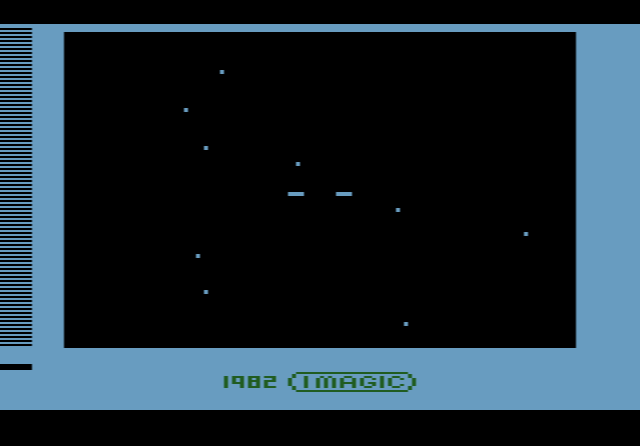
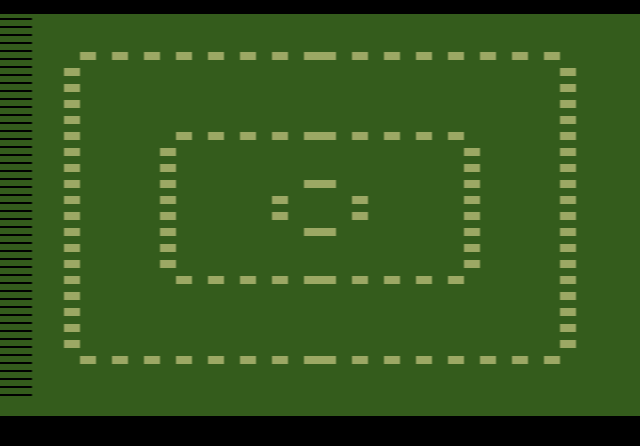
Your Mother Ship is hidden in the centre of the radar screen, inside an inner rectangle. Six alien fleets of different sizes are heading towards it, although only three show on the radar at any one time. You have three squadrons of three ships each, coloured blue, white and gold. On the radar screen you choose a fleet and send one of your squadrons to intercept it.
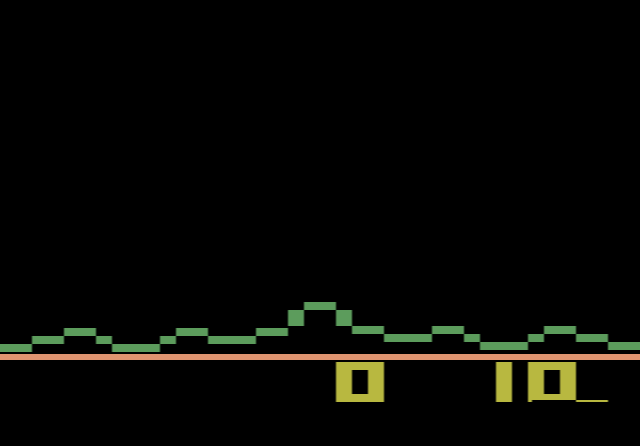
When a squadron meets a fleet, the game switches to a battle screen seen through a laser gunsight. You steer the sight onto the alien ships and shoot them down while dodging their fire. The battle ends when you destroy the whole fleet or lose the squadron, and you return to the radar. A siren warns you when the Mother Ship is under attack, and it speeds up as the damage grows. You win by wiping out all six fleets and lose if the Mother Ship is destroyed.
Difficulty switches
The left difficulty switch sets how aggressive the aliens are. On hard they fire more often and their shots move faster. The right switch controls what happens on the radar while you fight. On easy the radar freezes during a battle. On hard it keeps moving at a slower pace, and the computer fights the other battles on its own.
Tips
- Deal with the closest fleet first. A fleet near the inner rectangle is about to reach the Mother Ship, so it matters more than a large fleet far away.
- Listen for the siren. It tells you the Mother Ship is under attack even while you are busy in a battle.
- Spread the work. A squadron that loses its ships is gone for good, so do not send the same one into every fight.