How to play Star Ship online
Unusually, the manual tells you to use the right joystick for the one-player games. In the emulator the right joystick is the Player 2 set of keys, so if the arrow keys do not steer your ship, use these instead.
- Steer the star ship (right joystick): T/F/G/H, fire = A
- Second player (left joystick): arrow keys, fire = Space
- Choose one of the 17 games: F11 (the console’s Select switch)
- Start a new game: F12 (the console’s Reset switch)
- Difficulty: F4 and F9 toggle the two difficulty switches
The star ship steers like an aircraft: pushing forward dives and pulling back climbs, so the objects outside your window move the opposite way.
The four games
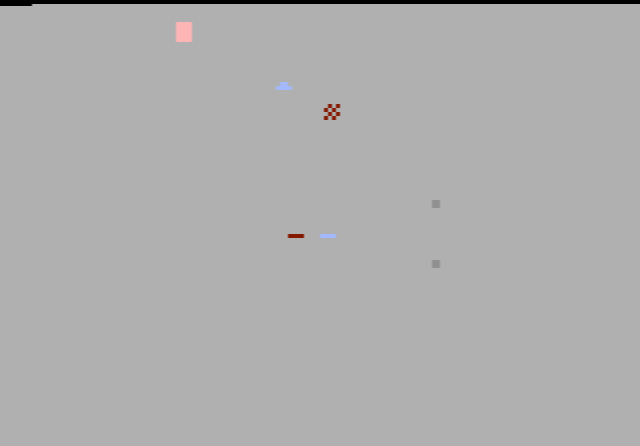
Star Ship (games 1–4, one player). The screen is the window of your ship. Line up enemies between the two centre bars and fire. A star fighter is worth 1 point, a flying saucer 2 and a space robot 3. Asteroids cannot be destroyed, and any collision costs a point. Each game lasts 2 minutes 16 seconds. The four games differ in whether enemies are slow or fast and whether they come one or two at a time.
Space chase (games 5–9, two players). One player commands the star ship and hunts the other player’s space module, which can turn invisible when it nears the centre of the screen. Only the star ship scores. After half-time the players swap roles. Some versions add asteroids or enemy ships.
Warp Drive (games 10–11, one player). Fly as far as you can through an asteroid field. Distance is counted in parsecs, and each collision takes one away. The fire button engages warp speed.
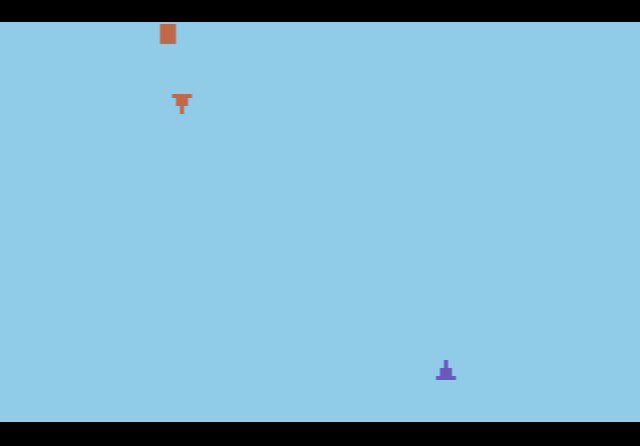
Lunar Lander (games 12–17). Guide your lander onto a moving moon and press fire to use the retro rockets as you touch down. Each landing scores a point. In the one-player games the computer moves the moon; in the two-player games your opponent steers it away from you. Some games add meteor showers.
Setting the difficulty switch to A makes your lasers weaker, so you must hold a target in your sights for longer. In the Lunar Lander games, A means you must land exactly on target to score.
Tips
- Think in reverse. To bring a target that is above the sights down to the centre, push forward. It takes a minute to get used to.
- Ignore the asteroids when you can. They are worth nothing and cannot be shot, so steer around them rather than wasting time.
- Chase the robots. At 3 points each they are worth three star fighters.
- Vanish at the right moment. As the space module, save your invisibility for when you drift into the centre of the window, where the star ship’s lasers work.
History
Star Ship belongs to the very first batch of Atari VCS games, when the console was sold with Combat and eight other cartridges were available separately. Bob Whitehead later left Atari and co-founded Activision in 1979 with David Crane, Alan Miller and Larry Kaplan. Modern reviews are lukewarm and the game is very simple by later standards, but the view through a cockpit window, with meteors rushing towards you, is what sets it apart from the other 1977 cartridges.