How to play Inca Gold online
- Walk and climb ladders: arrow keys
- Jump: Space bar
- Start a new game: F12 (the console’s Reset switch)
- Save and load your progress: Ctrl + 0–9 saves to a slot, Alt + 0–9 loads it
Gameplay
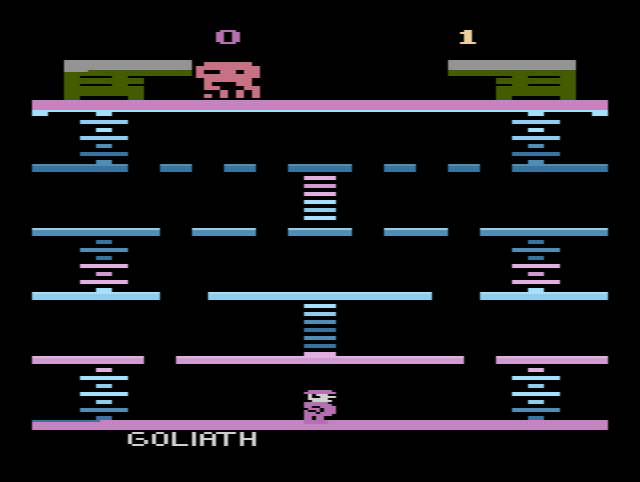
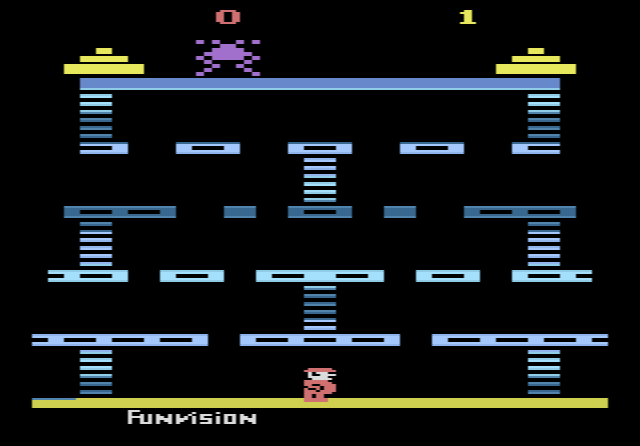
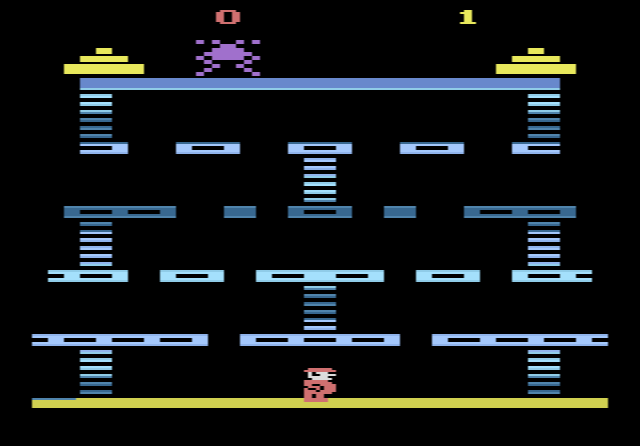
When you press Reset, the screen shows the building and the creature the instruction sheet calls the “Kong”, which here is a large spider sitting on the top floor. Your score appears at the top left and the number of players at the top right. Before play begins, the bottom line shows “05”, meaning you have five rounds. Once the game starts, that number turns into a timer.
Your man climbs from floor to floor using the ladders. Rocks and little spiders keep falling from the top of the screen, and you have to avoid them or press the fire button to jump over them. Points are counted by floor: 3 points for reaching the third floor, 4 for the fourth, and 4 plus the time you have left for reaching the fifth. According to the instructions, the game has two rounds that repeat over and over, and each new round you reach gives you a bonus man, up to a maximum of nine.
Tips
- Be quick on the way to the top. The time left on the clock is added to your score when you reach the fifth floor, so hesitating costs points.
- Jump rather than retreat. Falling objects can be jumped over, so you rarely need to back down a ladder.
One game, many names
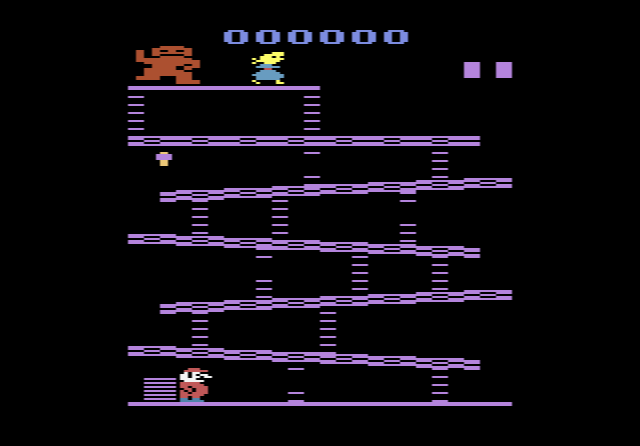
Funvision’s games were often relabelled for different shops and countries, and Inca Gold is a good example. In North America it appeared as Inca Gold from Zellers and as Spider Maze from K-Tel Vision. In Europe and Australia it was sold as Spider Monster, Spider Kong and Pac Kong, among other titles. None of these releases names a programmer. The Zellers cartridge came with a short instruction sheet in English and French.